
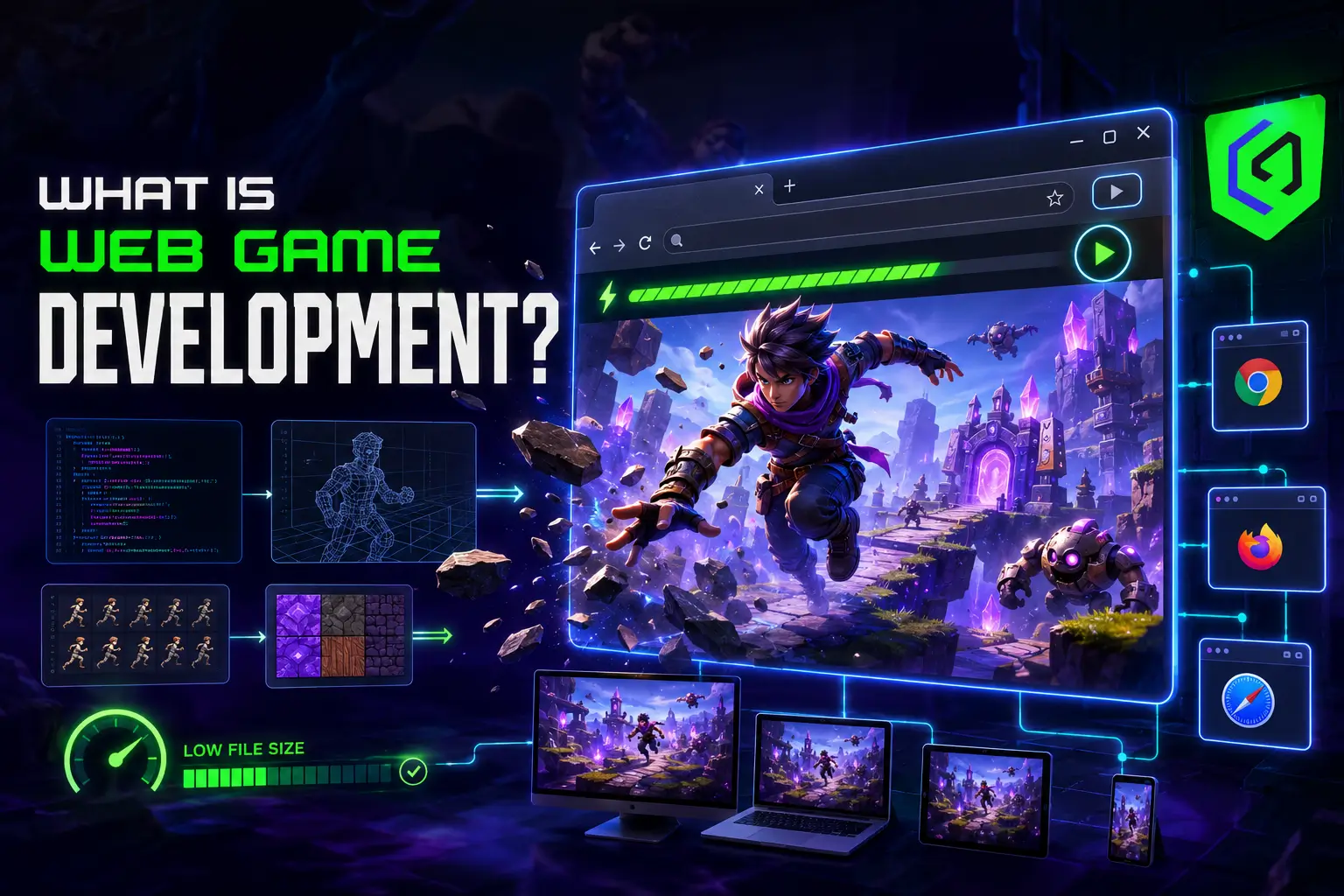
A web game does not ask permission. No app store review, no forty percent platform cut, no install button standing between a player and the game. Click a link, and you are playing. That single fact, zero friction between discovery and gameplay, is why web game development never actually died when everyone declared it dead after Flash got shut down. It just moved to HTML5, got faster, and quietly became the format publishers use to test an idea before betting real money on a native build.
The browser games market alone is valued at roughly $7.81 billion in 2025 and is projected to reach $9.07 billion by 2030, and that number does not even capture the web games embedded inside social platforms, ad networks, and instant-play portals. Web game development sits underneath all of it, and understanding how it actually works matters whether you are building a standalone browser title or a lightweight instant-play version of a bigger mobile game.
What Is Web Game Development?
Web game development is the process of building games that run directly inside a web browser using HTML5, JavaScript, and WebGL, with no download, no install, and no app store dependency. It covers everything from a simple puzzle game embedded in a news site to a fully rendered 3D multiplayer game running on WebGL with near-native performance.
Browser game development inherits a specific set of constraints that native development does not have to think about. Load time matters more than almost anything else, since a player who has not committed to a download will bounce within seconds if a web-based game takes too long to boot. File size, asset compression, and network-friendly loading strategies end up shaping design decisions from day one, not as an afterthought bolted on before launch.
How Does Web Game Development Actually Work?
Web game development follows the same broad production shape as any other game: design, prototyping, art, engineering, testing, and launch, but nearly every stage gets bent around one constraint: the game has to load fast, run inside an unpredictable browser environment, and work without asking the player to install anything.
Concept and Design for the Browser
Design decisions for web-based games start from session length. Most browser play happens in short bursts, on a tab a player can close in one click, so the core loop usually needs to deliver a satisfying moment within the first thirty seconds rather than building up over several minutes.
Prototyping
Prototyping a browser game is often faster than prototyping for other platforms, since HTML5 and JavaScript let a team spin up a playable build and share it as a link instead of a downloadable file. That speed is one of the underrated reasons studios use web game development to validate a mechanic before committing budget to a full mobile or console build.
Art and Optimization
Art for online game development gets built with file size as a hard constraint from the start. Texture atlases, sprite sheets, and compressed audio formats keep the initial load small, while asset streaming loads additional content only once the player is already inside the game. A web game that looks great in a design review but takes twelve seconds to load has already lost most of its audience.
Engineering
Modern web game development runs on HTML5 for structure, JavaScript or TypeScript for logic, and WebGL for hardware-accelerated rendering, sometimes through frameworks like Phaser or PixiJS for 2D, or Unity and Godot exporting to WebGL for more demanding 3D titles. The engine choice depends heavily on genre: a 2D puzzle or hypercasual game rarely needs the overhead of a full 3D engine export, while a browser-based multiplayer shooter usually does.
Testing Across Browsers
Testing a web game means checking behavior across Chrome, Safari, Firefox, and Edge, plus mobile browser versions of each, since rendering quirks and performance differences between browsers can break a game that works perfectly in one environment and stutters in another. This cross-browser testing layer does not exist in native mobile or console development, and skipping it is one of the more common reasons a web-based game ships with complaints that never show up in the developer’s own testing.
Launch and Distribution
Launch for a web game usually means submission to a portal, Poki, CrazyGames, Facebook Instant Games, or a publisher’s own site, rather than an app store review. Distribution deals in this space often come with revenue share or sponsorship arrangements instead of a flat one-time payment, which changes how a studio should think about monetization before development even starts.
Where Do Web Games Actually Live?
Distribution for web game development does not run through Apple or Google. Instant-play portals like Poki and CrazyGames aggregate thousands of HTML5 games and pay out on ad revenue share, Facebook Instant Games and other social platforms embed games directly into a feed, and some studios simply host a web-based game on their own domain and drive traffic through marketing or an existing audience. Online game development for these portals usually means meeting a specific technical spec, file size limits, ad integration points, and save data handling before submission is even considered, which is closer to a platform certification process than a simple file upload.
Sponsorship deals are also common in this corner of online game development. A brand will fund production of a browser game built around its product in exchange for placement, which gives smaller studios a funding path that does not exist in the same form for mobile or console projects.
HTML5 or Unity WebGL: What Powers Most Web Games Today?
Most web game development today runs on either native HTML5 with a JavaScript framework or a game engine like Unity exporting to WebGL. HTML5 frameworks tend to produce smaller, faster-loading builds that suit 2D casual and hypercasual games, while Unity WebGL suits projects that already have 3D assets and systems built for another platform and need a browser version without a full rebuild. Neither approach is universally better; the right choice depends on genre, existing assets, and how much load time the target audience will tolerate.
Multiplayer and Real-Time Features in the Browser
Online game development inside a browser has gotten considerably more capable since WebSocket support and WebRTC matured, making real-time multiplayer web games practical without a native client. Card games, io-style multiplayer titles, and casual competitive games now run entirely in-browser with live opponent matching, something that would have required a downloadable client a decade ago. The tradeoff is server cost: online game development for a browser title still needs backend infrastructure for matchmaking and state synchronization, even though the client itself needs no installation.
What Makes a Web Game Worth Playing?
Speed and immediacy carry more weight in web game development than in almost any other platform. A web-based game that loads in under three seconds and delivers its first meaningful moment within the first minute will consistently outperform a more ambitious game that makes players wait. Monetization on this platform usually leans on ads, sponsorships, and instant-play integrations rather than premium pricing, since the entire appeal of a browser game is that nothing stands between the player and the play button, including a paywall.
Common Mistakes in Web Game Development
- Building for desktop only. A huge share of browser traffic now comes from mobile browsers, and a web game with no responsive layout or touch controls loses that audience immediately.
- Ignoring load time until the end. Optimization has to happen throughout production, not as a final pass, because a bloated asset pipeline discovered two weeks before launch is expensive to fix. A game that ships with a ten-second load screen has already told half its potential players to close the tab before they have seen a single frame of actual gameplay.
- Skipping cross-browser testing. A build that runs smoothly in Chrome during development can break entirely in Safari, and nobody finds out until players start complaining. Safari in particular handles WebGL and audio playback differently enough from Chromium-based browsers that a build tested only in one environment routinely ships broken in the other.
- Treating the browser version as a lesser build. Players judge a web game on its own terms, not as a demo for something else, and a rushed browser port damages the brand more than skipping the platform would have. If a studio does not have the production bandwidth to give a web version proper attention, it is usually better to delay the browser release than ship something that reflects worse on the brand than no browser presence at all.
Frequently Asked Questions
What technologies are used in web game development?
Most web game development uses HTML5 for structure, JavaScript or TypeScript for game logic, and WebGL for rendering, often through frameworks like Phaser, PixiJS, or Three.js. Larger studios sometimes use Unity or Godot with a WebGL export target when the game shares assets with a mobile or PC version.
Are HTML5 games the same as web-based games?
HTML5 games are the dominant subset of web-based games today, but the two terms are not perfectly interchangeable. Web-based games are the broader category covering anything playable in a browser, while HTML5 games specifically refer to titles built using HTML5 technology, which has effectively replaced Flash as the standard since Flash’s discontinuation.
How much does web game development cost?
Web game development typically costs less than an equivalent mobile or console build, since browser games tend to be smaller in scope and do not require app store submission overhead. Simple browser games can run a few thousand dollars, while a polished, multiplayer-capable web game with custom art and backend infrastructure can reach well into six figures.
Can a web game be turned into a mobile app later?
Yes, and many studios use web game development for exactly this reason. A browser prototype validates whether a mechanic holds up with real players before a team commits to the additional cost of native mobile game development, app store compliance, and platform-specific optimization.
Do web games need an internet connection to play?
Most web games require an internet connection to load initially, since assets are served from a server rather than installed locally. Some HTML5 games use offline caching via service workers to allow continued play after the initial load, though this depends on how the game was built.
How is web game development different from mobile game development?
Web game development skips the app store entirely, which removes install friction and review delays but also removes the discovery mechanisms an app store provides. Mobile game development benefits from app store search and featuring, while browser game development depends more heavily on portal placement, sponsorship, and direct traffic, which changes both the marketing plan and the monetization model from day one.
Building Web Games People Actually Load
Web game development rewards teams that respect the platform’s core promise: instant access, no friction, no waiting. Every design and engineering decision that protects load time and cross-browser stability pays off directly in player retention, while every shortcut around it shows up immediately in bounce rates a studio cannot ignore. Cobweb Games builds web-based games and HTML5 titles alongside its mobile and console work, treating the browser as a real platform with its own production discipline rather than a lightweight afterthought.
