
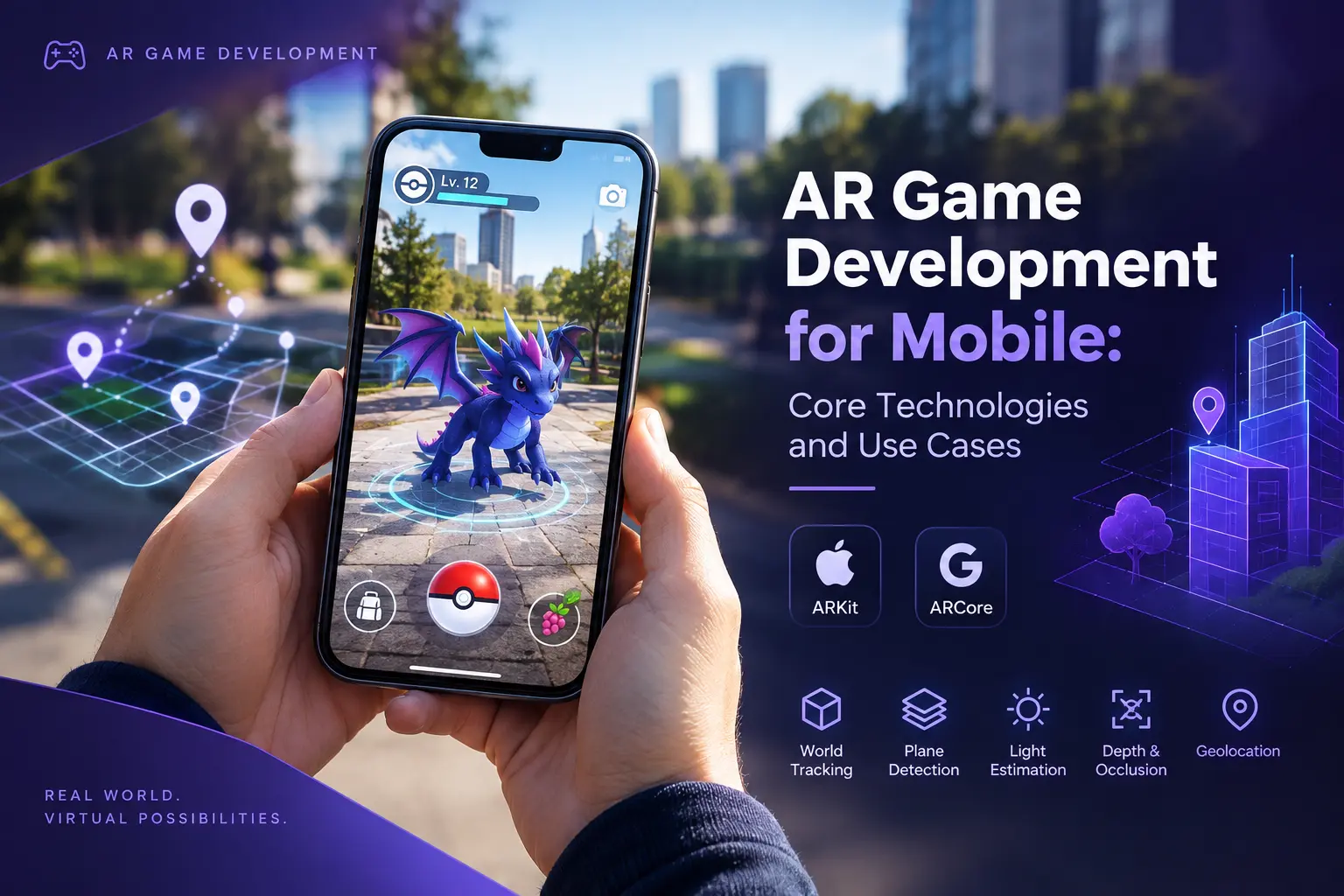
In July 2016, millions of people started walking into parks, parking lots, and each other, staring at their phones and chasing cartoon monsters that only existed on a screen. Pokémon GO was not the first game to blend a camera feed with a virtual world, but it showed at mass scale that ordinary players would leave the couch for one. A decade later, the phone in your pocket carries far better tools for the job than anything that launch had available, and the open question has shifted from “can AR games work” to “which kind of AR game is worth building.”
This guide walks through the core technologies behind mobile AR game development, what ARKit and ARCore each bring to the table, the use cases that actually suit the medium, and the design constraints that quietly decide if a project survives contact with real players in real living rooms.
What Makes an AR Game Different?
Augmented reality games anchor virtual objects to the player’s actual environment, which means the real world becomes part of the level design. A conventional mobile game controls everything on the screen. An AR game inherits a floor, a lighting situation, a room layout, and a player standing in the middle of all of it. Those variables are unpredictable, and the craft of AR design is largely the craft of making a game that survives them.
Three properties set the medium apart from ordinary mobile play:
- The camera is the background. Visual quality depends on how well virtual objects match real lighting, scale, and perspective.
- The player’s body is the controller. Walking, leaning, and turning matter in a way they never do with a thumb on glass.
- The environment is the level. A game must adapt to a kitchen table, a hallway, or a field, and behave sensibly in all of them.
These properties make AR games compelling, and they make them harder to ship than their flat cousins.
Augmented reality mobile games also inherit the phone’s biggest advantage over headsets: reach. Industry guides put the number of AR-capable phones above two billion, and a player needs nothing but a download. That install base, rather than visual spectacle, is the strategic reason most studios start with the phone.
The Core Technology Stack
Every AR experience on a phone rests on the same few capabilities. Understanding them helps teams decide what a game can promise.
World tracking. The device combines camera images with motion sensor data to estimate its own position and orientation in space, a technique called visual-inertial odometry. This is what keeps a virtual object pinned to a table as the player walks around it. Tracking quality degrades in low light, on blank surfaces, and during fast motion, so games need graceful ways to recover.
Plane detection and surface understanding. The system finds horizontal and vertical surfaces, such as floors, tables, and walls, so a game can place content on them. Most tabletop AR games start with a placement step for exactly this reason.
Light estimation. The platform estimates ambient light intensity and color so virtual objects can be shaded to match the room. Good light estimation is the difference between a character that looks pasted onto the scene and one that looks present in it.
Depth and occlusion. Depth sensing lets virtual objects pass behind real ones. A creature that walks behind a real sofa and disappears convincingly feels dramatically more real than one that floats in front of everything. Depth comes from dedicated sensors such as LiDAR on supported Apple devices, or from software estimation on Android through the ARCore Depth API.
Anchors and persistence. Anchors tie content to a fixed point in the world so it stays put as tracking updates. Cloud-based anchors allow several players, and several sessions, to share the same placed content.
Geolocation. For location-based games, GPS alone is too coarse for precise placement. Visual positioning systems use camera imagery matched against mapped data to place content accurately in outdoor spaces.
What Can Actually Be Outsourced?
Game art outsourcing covers a wide range of disciplines: 2D and 3D character design, environment art, UI and UX design, concept art, marketing and key art, animation, and technical art like rigging and shader work. A studio can outsource a single asset category or run an entire art pipeline through an external partner, depending on internal capacity and budget.
ARKit Games: What Apple’s Toolkit Offers?
ARKit powers AR on iPhone, iPad, and visionOS. Its relevant features for game teams include world tracking, plane detection, image and object tracking, light estimation, scene reconstruction, people occlusion, and LiDAR depth on supported Pro devices. The scene reconstruction and LiDAR combination is notable for games, since it produces a mesh of the real environment that virtual physics objects can collide with. A ball can roll across a real floor and bounce off a real wall.
ARKit games benefit from tight hardware and software integration across a limited device lineup, which gives predictable behavior. The trade-off is that the best features, such as LiDAR depth, exist only on higher-end models, so a game targeting everyone needs fallbacks for devices without them. Apple’s developer program costs a flat annual fee, a small line in any production budget.
ARCore Games: What Google’s Toolkit Offers?
ARCore powers AR on Android and ChromeOS, and it spans a vastly larger and more varied device ecosystem. Its feature set covers motion tracking, environmental understanding, light estimation, and a set of cloud-connected capabilities that make it especially strong for outdoor and shared experiences:
- Geospatial API: uses Google’s Earth 3D models and Street View data for location-based AR, with later additions including Terrain anchors and Rooftop anchors for placing content on the ground and on buildings.
- Depth API: estimates depth for occlusion on standard devices, with long-range depth extending the usable maximum from about 8 meters to about 65 meters.
- Cloud Anchors: persistent anchors hosted in the cloud, with a configurable lifetime from 1 to 365 days, so content placed by one player can be found by another later.
- Scene Semantics: labels each pixel of an outdoor camera image into one of 11 classes, such as sky, building, or road, which lets a game react to what the camera sees.
- Streetscape Geometry: provides building and terrain geometry around the player for outdoor experiences.
- Recording and Playback: saves AR sessions to MP4 files that can replace a live camera feed, a very useful tool for testing.
ARCore games reach the broadest audience, though the diversity of Android hardware means more variation in tracking quality and performance, and more testing. Feature availability also differs by device, so check the supported device list when planning.
ARKit and ARCore at a Glance
| Capability | ARKit | ARCore |
| Platforms | iOS, iPadOS, visionOS | Android, ChromeOS |
| World tracking and planes | Yes | Yes |
| Depth | LiDAR on supported devices, software estimation elsewhere | Depth API with software estimation, wider device support |
| Environment mesh | Scene reconstruction | Streetscape Geometry for outdoor areas |
| Location-based AR | Location anchors in supported areas | Geospatial API with global coverage in supported regions |
| Shared persistent content | Collaborative sessions and world maps | Cloud Anchors, 1 to 365-day lifetime |
| Developer fee | Annual developer program | One-time Play Console fee |
Most teams do not write against these SDKs directly. Unity’s AR Foundation wraps ARKit and ARCore behind one API, so a single codebase targets both platforms, with platform-specific features exposed where needed. Alternatives fill other niches: Niantic’s Lightship offers a visual positioning system and shared multiplayer AR, 8th Wall delivers browser-based WebAR with no install, and Snap’s Lens Studio targets social, short-session experiences.
Where Phones Fit in the Immersive Spectrum?
Mobile immersive games sit on a spectrum, and AR is only one point on it. At one end, a flat game with spatial audio and haptics already pulls players into a scene. In the middle sit phone-based AR experiences, which blend a camera feed with virtual content. At the far end are headset experiences on devices like Meta’s Quest line and Apple’s Vision Pro, which deliver deeper immersion to a far smaller audience.
For most studios, the phone is the sensible starting point. It offers the biggest audience, the lowest friction, and the shortest path from idea to playable build. Teams that later move into headsets carry over much of what they learned: spatial design, comfort rules, and the discipline of building for a player who is physically present in the experience. A project built on AR Foundation in Unity can also share large amounts of content and logic with a later headset version, which keeps the door open without forcing the decision on day one.
Choosing an Engine
Unity dominates mobile AR for good reasons: AR Foundation, a huge asset ecosystem, strong mobile tooling, and a large pool of experienced developers. It is the default choice for most projects, and teams already working in Unity can add AR with relatively little disruption. Studios exploring this route can read more about our Unity game development practice.
Native development, using RealityKit on Apple platforms or the ARCore SDK directly on Android, makes sense for projects that need the deepest access to a single platform’s newest features and have no cross-platform requirement. Engines like Unreal support AR too, though mobile AR tooling is less commonly the first choice. The right decision depends on platform strategy, team skills, and how much visual fidelity the concept needs.
Use Cases That Suit the Medium
AR is not a universal improvement over flat gaming. It shines in specific situations.
| Use Case | What It Is | Why It Fits AR |
| Location-based play | Games tied to real places, such as Pokémon GO, Ingress, Monster Hunter Now, and Peridot | The world is the map, and walking is the mechanic |
| Tabletop and room-scale games | Strategy, puzzle, and board-style games on a flat surface | Surfaces are easy to detect, sessions are short and contained |
| Image-triggered experiences | Games that spring to life from posters, packaging, or trading cards | Image tracking is robust and cheap, and ties physical products to digital play |
| Social and filter games | Face and body effects shared in social apps | Instant, low-friction, built for sharing |
| Educational and museum experiences | Interactive learning layered onto real objects | Context and curiosity do the heavy lifting |
| Marketing and brand games | Campaign-driven experiences with a short lifespan | Novelty drives reach and press attention |
The pattern across successful examples is that each one uses AR for something a flat screen cannot do. A game that would play just as well on a normal screen with a menu and a joystick gains little from adding a camera feed.
Design Constraints That Decide Success
Mobile AR game development fails less often on technology than on design assumptions about the player and the room. A handful of constraints deserve attention from the first prototype.
Sessions should be short. AR is physically and thermally demanding. Camera, motion sensors, and rendering run together, so sessions longer than 15 to 20 minutes drain a mid-range phone’s battery visibly and heat it up. Design for short, satisfying rounds.
Permissions cost players. Camera, motion, and location prompts each reduce the number of people who make it from install to first play. Ask only for what the game needs, at the moment it needs it, and explain why.
Lighting is unpredictable. Virtual content must hold up in dim rooms, harsh sunlight, and mixed lighting. Test in many environments, and use light estimation to adapt materials.
Space is limited. A game that needs a clear four-meter square will fail in a small apartment. Let players scale and reposition the play area, and design for a table, a floor patch, or standing room.
Holding a phone up is tiring. Arm fatigue is real. Keep interactions near the screen’s lower half for one-handed reach, and avoid mechanics that force constant, large camera sweeps.
Safety is a design responsibility. Games that encourage movement need clear guidance and sensible limits, including warnings against playing while driving and in unsafe places.
Tracking will sometimes fail. Design for it. Show clear guidance when tracking is lost, preserve game state, and let the player recover without restarting.
Performance and Optimization
AR layers a camera pipeline and tracking workload on top of normal rendering, which leaves less headroom than a typical mobile game on the same hardware. Stable frame rates matter more in AR than in most genres, because a dropped frame breaks the illusion of objects anchored in space and can cause discomfort.
Practical priorities include keeping polygon counts and draw calls low, baking or simplifying lighting where possible, using efficient shaders, limiting transparent overdraw, and testing on mid-range devices instead of flagships. Our guide to mobile game development covers the broader performance principles that apply, and the same profiling-on-device discipline is essential here.
Testing AR Is Different
AR games cannot be fully tested at a desk. They need real rooms, real lighting, and real movement. A sensible test plan includes:
- Environment variety: small and large rooms, bright and dim light, plain and cluttered surfaces, indoor and outdoor.
- Device variety: a spread of iPhones, including at least one without LiDAR, and a range of Android models across price tiers.
- Failure cases: tracking loss, interruptions such as calls, backgrounding, permission denial, and low battery.
- Repeatability: ARCore’s Recording and Playback lets a team capture a real session and replay it as a camera feed, which makes bug reproduction and regression testing far more practical.
Our game testing practice builds device and environment matrices for exactly this kind of work.
Prototype Early, Prototype Physically
The fastest way to discover if an AR concept works is to build a small, ugly version and play it in a real room within the first couple of weeks. Gray boxes and placeholder models are fine. What matters is finding out if the core interaction feels good, if the game tolerates real lighting, and if players understand what to do without instructions. Concepts that look brilliant in a pitch deck routinely fall apart when the player has to hold a phone at arm’s length while walking around a coffee table. Early game prototyping catches that before the expensive work begins.
Cobweb Games’ Approach to Mobile AR Projects
Every AR engagement at Cobweb Games begins with one question: what does the camera and the real world add that a flat screen cannot? If the answer is clear, we prototype the core interaction on real devices first, then build production content around what the prototype proves. Studios working with us on mobile game development get a plan covering platform strategy, device coverage, session design, and performance targets before art production scales up.
Common Mistakes in Mobile AR Game Development
Adding AR to a game that does not need it. If the concept plays the same without a camera feed, the camera feed is a cost with no payoff.
Designing for an empty room. Real spaces are small, cluttered, and badly lit.
Ignoring battery and heat. Long sessions punish players and earn bad reviews.
Asking for every permission at launch. Each unneeded prompt loses players before the first tap.
Testing only on flagship phones. Mid-range devices set the real performance floor, and tracking varies widely across Android hardware.
Skipping tracking-loss design. A game that breaks when tracking drops will break constantly.
Overlooking safety. Location-based games need clear, visible guidance.
Frequently Asked Questions
What is mobile AR game development?
It is the design and production of games that use a phone’s camera and sensors to place virtual content in the player’s real surroundings, built with toolkits like ARKit on iOS and ARCore on Android, often through Unity’s AR Foundation.
Should I use ARKit or ARCore?
Most teams use both through AR Foundation in Unity, which targets iOS and Android from one codebase. Choose a single native SDK only if the project needs deep access to one platform’s newest features.
Do AR games need special hardware?
No. Modern phones and tablets from the past several years run AR without extra equipment. Some features, such as LiDAR depth on certain iPhones and iPads, need newer hardware, so games should degrade gracefully on devices without them.
How long should an AR game session be?
Plan for short rounds. Sessions beyond about 15 to 20 minutes drain battery and heat up mid-range phones noticeably, so design satisfying play that fits in that window.
Can AR games work without an app install?
Yes, through WebAR platforms such as 8th Wall, which run in the browser. They suit lightweight campaigns and short experiences, though they offer less power and fewer features than native apps.
What kinds of games work best in AR?
Location-based games, tabletop and room-scale puzzle or strategy games, image-triggered experiences, social filters, and educational or marketing experiences. The strongest examples each use the real environment as part of the gameplay.
