
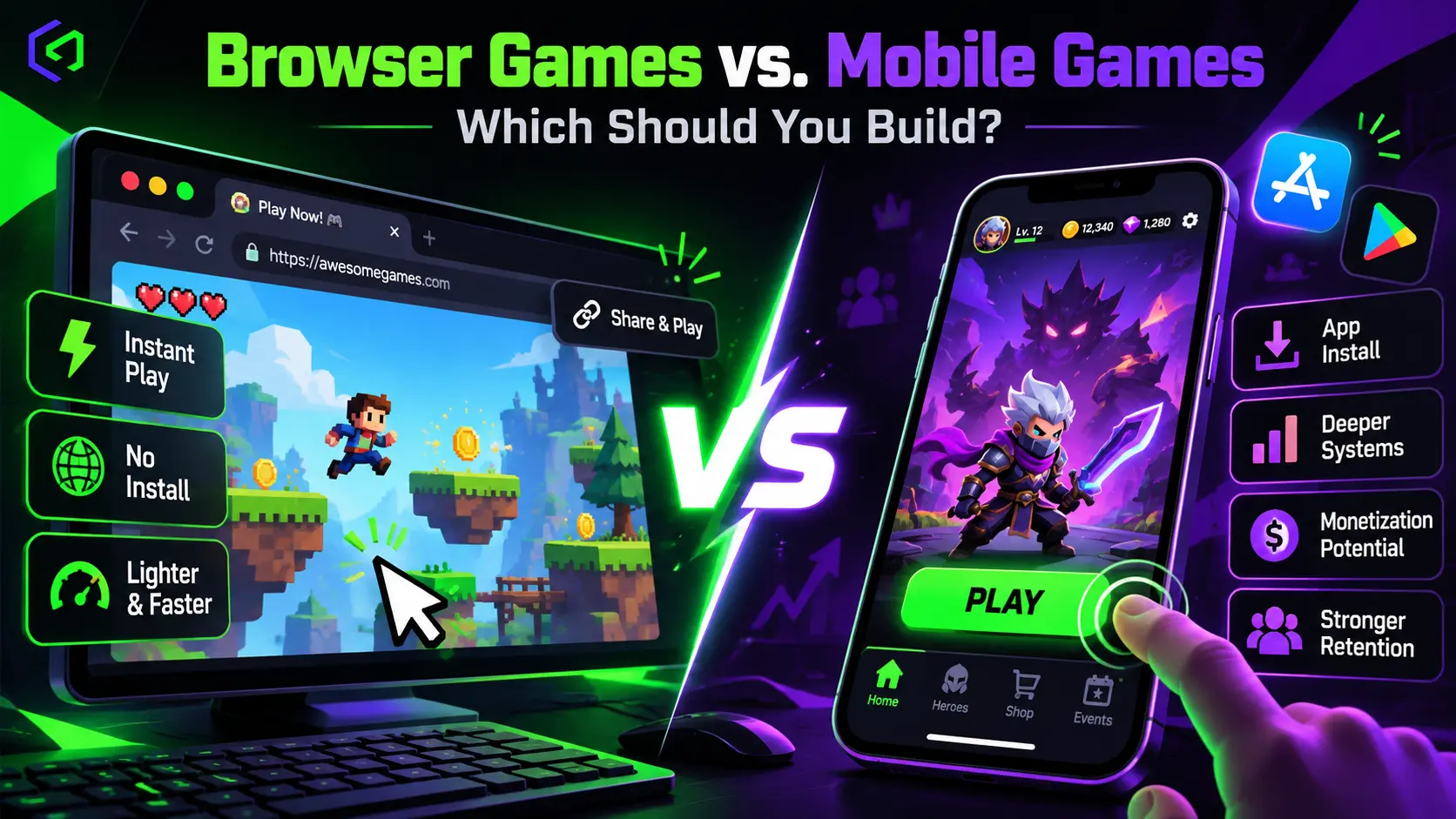
Somewhere in every studio there is a spreadsheet with two columns, one labeled “Web” and one labeled “App Store,” and a lot of confident arrows. The arrows are usually drawn by someone who has shipped on only one of them. This guide is for the person holding that spreadsheet.
The question of browser games vs mobile games, or web games vs mobile apps if you prefer the app-store framing, is really a question about how players find you, how long they will wait, and how you get paid. Those three things differ so sharply between the two platforms that the same game design can succeed on one and vanish on the other. Below, seven popular beliefs about the choice are tested against published data and platform documentation. Where a number is volatile, it is dated and sourced, and you should confirm the current version before you commit budget.
The Quick Comparison
A fair browser games vs mobile games comparison starts with the structural differences.
| Factor | Browser Games | Mobile Games (Apps) |
| Player access | A link, no install | Store search, install, update |
| Discovery | Portals, search, social, embeds | App store search, ads, features |
| Typical monetization | Ad revenue share, licensing, sponsorships | In-app purchases, ads, subscriptions |
| Platform gatekeeper | Portal or none | Apple and Google |
| Device power | Constrained by the browser | Full device capability |
| Session style | Short, casual, instant | Short to long, habit-forming |
| Retention tools | Weaker (push, home screen) | Stronger (push, widgets, live ops) |
Keep this table in mind. Each myth below attacks one of its rows.
Myth One: “Mobile Is Where the Money Is, So Skip the Browser”
There is truth buried in this one. The mobile market is enormous. Sensor Tower’s H1 2026 gaming report, as covered by PocketGamer.biz, put worldwide mobile game in-app purchase revenue at about $40 billion for the half-year, down 2 percent year over year, with downloads falling 12 percent to roughly 24 billion. Gaming digital ad spend rose 8 percent to $7 billion on 1.4 trillion ad impressions.
Read that carefully, because the headline hides a warning. Revenue is flat, and installs are shrinking. Acquiring a player on mobile is getting more expensive, and the market is not handing out growth to newcomers. A new mobile game competes with a vast catalog that is already in the store, and the paid user acquisition needed to be seen can erase the margin of a small studio.
Browser games play a different economy. There is no install, so there is no install cost to buy. Portals bring audiences to games, and several pay developers a share of ad revenue. The money per player is lower, but so is the cost of reaching that player.
Verdict: Mobile has the bigger pool and the harder swim. Browser has the smaller pool and the shorter walk to it.
What Can Actually Be Outsourced?
Game art outsourcing covers a wide range of disciplines: 2D and 3D character design, environment art, UI and UX design, concept art, marketing and key art, animation, and technical art like rigging and shader work. A studio can outsource a single asset category or run an entire art pipeline through an external partner, depending on internal capacity and budget.
Myth Two: “Browser Games Are Just Low-Quality Time Wasters”
That reputation belongs to the Flash era. Modern browsers run WebAssembly, WebGL 2, and in some cases WebGPU, and engines such as Unity can publish to the web. Unity’s documentation lists support for desktop Chrome, Firefox, Edge, and Safari on macOS, plus iOS Safari 15 and newer and Chrome 58 and newer on Android.
Quality constraints exist, but they are specific. A browser is a sandbox, so a game inside it faces limits on memory, threading, networking, and file storage that a native app avoids. Unity’s own documentation, for instance, notes that managed C# threads and direct IP sockets are unsupported on its Web platform. Those limits shape what you design, and a good result remains entirely possible. Plenty of excellent games are small, sharp, and instant, and the browser suits that style well.
For a deeper look at the technology side, our comparison of HTML5 vs Unity WebGL walks through the engine tradeoffs one by one.
Verdict: Browser games can be polished and fun. They are simply different in scope.
Myth Three: “Browser Players Are Not Real Players”
Portals disagree, and they run the numbers. Poki, one of the largest browser game portals, lets developers earn 100 percent of revenue from players they bring and 50 percent from players Poki brings, under its published deal terms. CrazyGames describes advertising revenue share as its primary monetization method. Both platforms invest heavily in discovery because players show up and stay.
The real difference is intent. A browser player clicked a thumbnail thirty seconds ago and may leave in thirty more. A mobile player installed your game on purpose and may keep it for months. Neither group is more real. They behave differently, and each deserves a design built for it.
Verdict: Different intent, equally real wallets.
Myth Four: “Mobile Apps Are Easier to Monetize”
Mobile offers more monetization tools: in-app purchases, subscriptions, rewarded video, battle passes, and live events. Those tools reward games with strong retention and deep progression. They also come with the platform owners’ commission, which has historically reached up to 30 percent with reduced tiers for smaller developers. Store fee terms changed in several regions in 2025 and 2026, so check Apple’s and Google’s current developer terms rather than relying on a figure from a blog post, ours included.
Browser monetization is simpler but narrower. Portals typically require ads served through their own SDK. CrazyGames states that only ads served through its SDK are allowed. Poki requires integration of its ad SDK as well. A non-exclusive deal on Poki pays a one-time flat license fee rather than revenue share, which is a different business altogether.
This creates a clean split:
- Browser: low friction, ad-driven, best for games that win through volume and short sessions.
- Mobile: high friction, purchase-driven, best for games that win through depth and habit.
Verdict: Mobile has more ways to earn; browser has fewer ways and a shorter route to the first dollar.
Myth Five: “Players Will Stay in the Browser and Never Need an App”
Retention is where the browser struggles. A mobile app lives on the home screen, can send push notifications, and can support daily rewards and live events. A browser game is one tab among dozens.
Progressive Web Apps narrow the gap. Unity includes a Progressive Web App template for its Web platform, offering a home screen shortcut and offline functionality. Support varies by browser and operating system, though, and Safari has historically applied tighter storage policies than Chrome, so cached game data can be cleared more readily on iOS. Test PWA behavior on real iPhones before you promise players an offline experience.
The practical answer for many studios is to use the browser as a front door and the app as the living room. Poki notes that its web exclusivity does not extend to Steam, mobile app stores, or traditional consoles, which leaves room for exactly that two-stage plan: prove the game on the web, then launch the app version to players who want more.
Verdict: The browser is excellent at first contact and weaker at long-term habit.
Myth Six: “You Can Port One to the Other in a Weekend”
Adaptation is possible and frequently worthwhile, but it is never a weekend job. The two platforms differ in all of these:
- Input. Browser games must handle mouse, keyboard, and touch. Mobile games are touch-first and often use gestures and tilt.
- Performance budget. Browser builds must load fast and survive modest memory. Poki’s guidelines call for 30 FPS minimum with a 60 FPS target on mid-range phones from the last three years under network conditions such as 3G or better.
- Session design. A browser game needs a hook in seconds. A mobile game can build a slower onboarding.
- Monetization hooks. Ad placements for a portal differ from an in-app economy.
- Store requirements. Apps need privacy declarations, review passes, and platform compliance.
- Update flow. The web updates instantly. Apps update through stores and player downloads.
Teams that plan for both from the start save real money. Core logic, art, and audio can be shared. Interface, onboarding, and economy usually cannot. Our mobile game development and game development teams scope the shared and platform-specific work separately so budgets stay realistic.
Verdict: Reuse is real, but the port is a project, not a button.
Myth Seven: “The Right Choice Depends on the Engine”
Engines matter, but audience and business model matter more. Choose the platform first, then the engine. A small 2D arcade game that fits portal limits belongs in the browser regardless of engine fashion. A deep progression game with a live-event calendar belongs on mobile no matter how easy the web export button looks.
Technical limits help narrow the field. CrazyGames lists an initial download of 50 MB or less and a total size of 250 MB or less for a basic implementation. A game with a large asset budget will struggle there. Such a game might find a better home in an app store or on Steam, where install size is a smaller obstacle.
Verdict: Pick the audience and the business model, then pick the tools.
Where HTML5 Games Fit?
HTML5 games deserve their own line in the plan, because they sit between the two worlds. They run in a browser tab, so they inherit the zero-install advantage. They can also be packaged for app stores through wrappers or reached from a PWA home screen shortcut. A studio that builds HTML5 games with a lean framework gets the cheapest possible test of an idea, plus an option to wrap the result later.
The limits are the ones already covered: memory, storage, and retention tools are weaker than in a native app. For a game whose appeal is a single clear mechanic, those limits cost little. For a game whose appeal is a ten-hour progression system, they cost a lot.
Choosing a Game Platform by Genre
Every game platform rewards certain genres. A rough guide:
| Genre | Natural Home | Reason |
| Hyper-casual and arcade | Browser first | Instant play and short sessions |
| Puzzle and word games | Either | Light assets and broad audience |
| Idle and incremental | Mobile | Return habit and notifications |
| Mid-core RPG and strategy | Mobile | Deep systems and live events |
| Multiplayer .io-style games | Browser | Link sharing and no install |
| Narrative and premium titles | Mobile or PC storefronts | Higher price points |
Genres bend these defaults often, and a strong design can break them. Use the table to form a hypothesis, then test it.
The Decision Scorecard
Score your project from 0 to 2 on each line, where 2 means the line strongly favors the platform named.
| Question | Favors Browser | Favors Mobile |
| Is the core loop playable in under a minute? | Yes | No |
| Does the game depend on daily return habits? | No | Yes |
| Is your marketing budget small? | Yes | No |
| Do you plan in-app purchases or subscriptions? | No | Yes |
| Do you need heavy 3D or large assets? | No | Yes |
| Do you want a fast prototype in market? | Yes | No |
| Do you need push notifications and live events? | No | Yes |
A lopsided score settles the question. A balanced score suggests building for one platform first and planning the second.
The Third Option: Build Both in Stages
For many studios, the strongest path is sequential. Launch a trimmed browser version to test the core loop, collect play data, and learn what hooks players. Then build the full mobile release with that evidence in hand. The web version becomes a marketing channel and a research lab at the same time.
This approach has costs: two builds, two test passes, and a clear division between what lives in each. It also lowers the biggest risk in game development, which is spending a year on a game nobody wants.
What Each Path Costs in Practice?
Exact prices depend on scope, so use these as relative guides:
| Cost Area | Browser Game | Mobile Game |
| Initial build | Lower, with a tight scope | Higher, with more systems |
| Store and compliance work | Minimal | Meaningful |
| User acquisition | Lower, portal traffic | Higher, paid campaigns |
| Live operations | Lighter | Heavier |
| Testing | Browsers and mid-range phones | Device matrix across two stores |
| Time to first revenue | Short | Longer |
Cobweb Games’ Approach to Choosing a Platform
We start with the business model, not the engine. Our game development team runs a short discovery session on audience, monetization, and budget, then maps the answer to a platform. For app releases, our mobile game development specialists handle store-ready builds, and for projects that need a cross-platform engine, our Unity game development team supports both web and mobile targets. A game prototyping sprint tests the core loop on the cheaper platform first, so the larger investment follows evidence. Final builds go through game testing on real devices and browsers.
Common Mistakes When Choosing Between Web and Mobile
Most browser games vs mobile games mistakes come from treating the platforms as interchangeable.
- Picking the platform by personal taste. The founder’s favorite platform is rarely the audience’s.
- Underestimating mobile user acquisition. Installs cost money, and the market data shows downloads shrinking.
- Overestimating browser retention. A tab is easy to close and forget.
- Skipping portal rules. Size limits and ad SDK requirements shape the whole build.
- Building a mobile-sized game for the browser. Large assets fail the first-load test.
- Forgetting store fee changes. Commission and policy terms have moved in recent years, and the business case should use current numbers.
- Planning no path between platforms. A browser hit with no app strategy leaves value unclaimed.
Frequently Asked Questions
Which is more profitable in the browser games vs mobile games debate?
Mobile has the larger revenue pool, with about $40 billion in global in-app purchase revenue in the first half of 2026, according to Sensor Tower. Browser games have lower earnings per player but also lower acquisition costs. Profitability depends on the game, the audience, and the cost of reaching players.
Are browser games still popular?
Yes. Portals such as Poki and CrazyGames operate large developer programs and publish clear requirements for submissions. Browser play is strongest for short, casual sessions that need no download.
How do browser games make money?
Mostly through advertising revenue share served by the portal’s SDK, plus licensing deals and sponsorships. Poki, for example, pays 100 percent of revenue on players a developer brings and 50 percent on players the portal brings, under its published terms.
Can I turn a browser game into a mobile game?
Yes, though it is a project rather than a conversion. Core logic and assets can often be reused, while controls, onboarding, and monetization generally need to be redesigned for the app.
Do browser games work well on phones?
They can. Portals such as Poki require games to run on mid-range phones from the last three years. Memory and load time are the main hazards, so real-device testing is essential.
What is the cheapest way to test a game idea?
A small browser build is usually the lowest-cost route to real player data, because it avoids store review and install friction.
Should a small studio build for web or mobile first?
A small studio with limited marketing money often learns faster on the web, then moves to mobile with proven mechanics. A studio with a strong retention-based design and a funded launch plan may go directly to mobile.
Outsourcing Done Right Looks Like a Second Studio, Not a Vendor
The studios that get the most out of game art outsourcing stop treating it as a transaction and start treating it as an extension of their own team. That means a real brief, a real feedback loop, and a partner chosen for fit rather than the lowest quote on the page. Cobweb Games works as exactly that kind of extension, running as an integrated art department for studios that need production capacity without the overhead of building one internally.
