
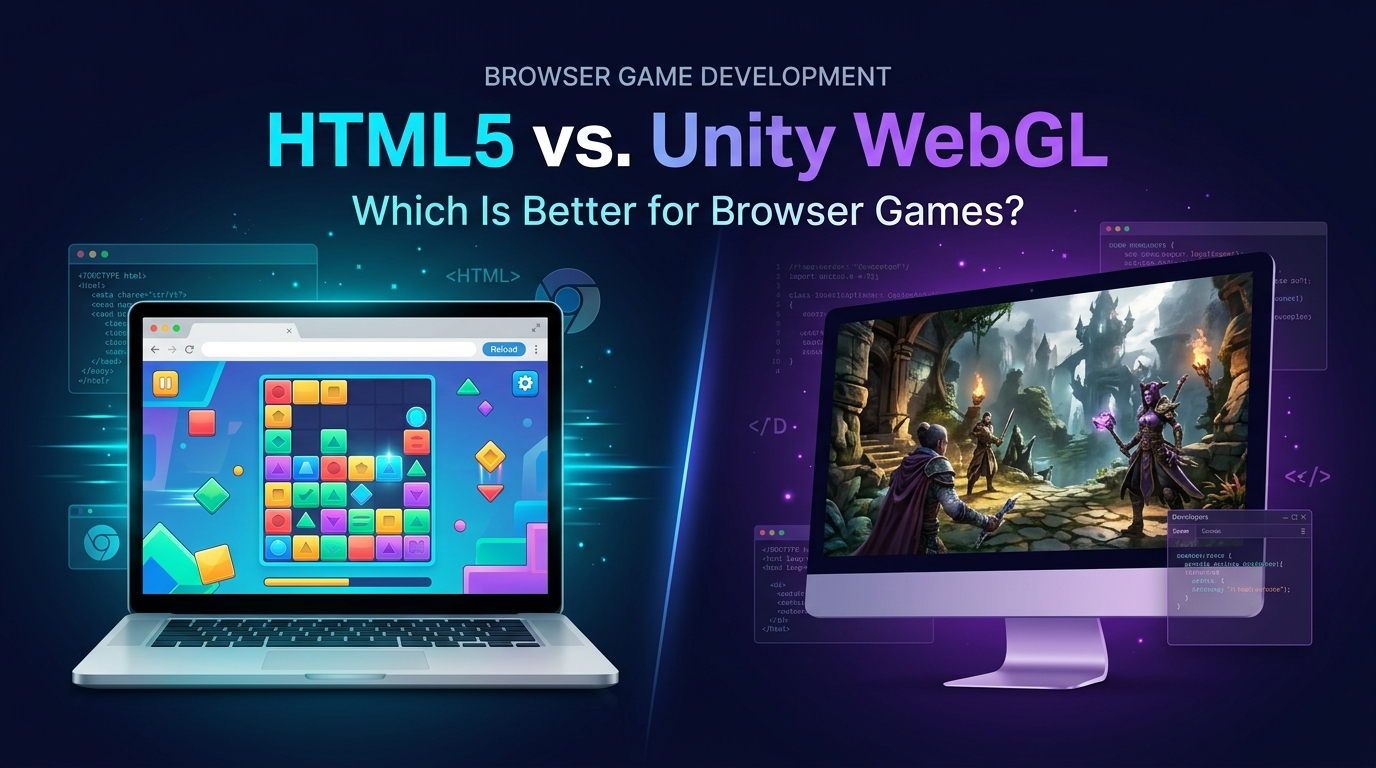
Picture a lab with two benches. On the left bench, a small team builds a puzzle game in JavaScript, and the first playable build is a few hundred kilobytes. On the right bench, another team builds the same puzzle game in Unity, and the first Web build is large enough that someone asks if the progress bar is broken. Both games work. Only one of them loads before the player gets bored.
That thought experiment is the heart of HTML5 vs Unity WebGL, and it is easy to repeat for any project. Neither technology is better in the abstract. They are built for different jobs, and picking the wrong one is expensive in a very specific way: you find out late, usually when a portal rejects the build or a mobile browser runs out of memory. This guide lays out the experiment bench by bench, using published documentation and portal requirements rather than folklore. Version-specific facts are dated, since the Unity Web platform has changed a great deal across recent releases.
The Hypothesis
Here is the claim this HTML5 vs Unity WebGL comparison tests: for browser games, lightweight HTML5 stacks win on load time and reach, while Unity WebGL wins on production speed and 3D capability for teams already invested in Unity. Each section below tests one part of that claim.
| Test | Likely Winner | Why |
| Initial load time | HTML5 | Small runtime, little to download |
| 3D scope and tooling | Unity | Editor, shaders, animation, physics |
| Mobile browser reach | HTML5, with caveats | Lower memory and hardware demands |
| Team productivity (Unity team) | Unity | Existing skills and assets |
| Portal friendliness | HTML5 | Size limits favor small builds |
| Console and mobile app reuse | Unity | One project, many targets |
Results shift with project scope, which is why the sections that follow show the reasoning instead of just the scoreboard.
Defining the Two Contenders
HTML5 browser games are built with web technologies: HTML, CSS, JavaScript or TypeScript, and the browser’s Canvas, WebGL, or WebGPU graphics APIs. Teams rarely write against those APIs raw. They use frameworks such as Phaser for 2D games, PixiJS for fast 2D rendering, Three.js for 3D scenes, or Babylon.js for a fuller 3D engine. The game ships as web files, and the browser runs them directly.
Unity WebGL, now called the Unity Web platform in current documentation, compiles a Unity project to WebAssembly and runs it through the browser’s WebGL 2 graphics API. You get the full Unity editor, C# scripting, the animation system, and the asset pipeline, delivered to a browser tab. The price is a bigger runtime and tighter platform restrictions.
Other engines also export to the browser. Godot’s HTML5 export, for example, requires support for WebAssembly and WebGL 2.0 in the user’s browser. This guide focuses on the two camps most teams actually weigh. Our broader HTML5 game development explainer covers the landscape as a whole.
What Can Actually Be Outsourced?
Game art outsourcing covers a wide range of disciplines: 2D and 3D character design, environment art, UI and UX design, concept art, marketing and key art, animation, and technical art like rigging and shader work. A studio can outsource a single asset category or run an entire art pipeline through an external partner, depending on internal capacity and budget.
Experiment One: Load Time
Browser games live and die by their first ten seconds. A player who clicked a link on a portal has no installed commitment, so a slow load is a closed tab.
Unity’s own documentation acknowledges the pressure. Its Web optimization guidance states that a small build means less data to download during initialization, and that slow loading can hurt the user experience and raise the bounce rate. The Unity team’s web runtime blog also recommends Brotli compression, compressed textures such as ETC Crunch, Addressables for first-scene assets, and compressed mono audio at lower quality.
There is a useful case study in that same post. Studio Coatsink optimized its game Ready, Set, Cook! for the web, and Unity reports the results: load time dropped 25 percent, active sessions grew 50 percent, click-to-play rates rose from 35 percent to 58 percent, and time to interactivity fell by more than 50 percent. On a throttled Pixel 5, the load time at 48 Mbps fell from 12 seconds to 5.5 seconds. Those figures come from Unity’s own account of a partner project, so read them as an example of what disciplined optimization can do rather than a typical outcome.
HTML5 starts from a lower floor. A framework-based 2D game can load a very small bundle, because the browser already supplies the runtime. A Unity build must ship the engine’s WebAssembly runtime and your content. Optimization narrows the gap but rarely erases it.
Result: HTML5 wins on raw load time. Unity can be made acceptable with work.
Experiment Two: What the Portals Demand?
If you plan to publish through browser game portals, the portals’ rules matter as much as the engine. Two major examples publish their requirements.
CrazyGames lists, for a basic implementation, an initial download of 50 MB or less, a total size of 250 MB or less (50 MB without the SDK), and 1,500 files or fewer. It also states that the primary monetization method is advertising revenue share and that only ads served through its SDK are allowed.
Poki publishes deal terms and technical expectations on its developer site. For revenue, it states 100 percent to the developer when the developer brings the player, and 50 percent when Poki brings the player. Games must be fully responsive and support a 16:9 aspect ratio, should run at a minimum of 30 FPS with a 60 FPS target under network conditions such as 3G or better, and must work on mid-range phones released within the last three years. Poki prefers web-exclusive deals with a default term of five years, and it counts Discord and YouTube Playables as web platforms for exclusivity purposes. Terms like these change, so confirm them on the portal’s own pages before committing.
Read those numbers against each engine. A compact HTML5 game fits inside a 50 MB initial download with room to spare. A Unity Web build can fit as well, but it requires deliberate work on texture compression, code stripping, and streaming extra content later. A 3D Unity game with large assets needs a content strategy from day one.
Result: HTML5 passes portal limits with less effort. Unity can pass them with discipline.
Experiment Three: Mobile Browsers
Most casual browser play happens on phones, which makes this the experiment with the highest stakes.
Unity’s browser compatibility documentation lists iOS Safari 15 and newer, and Chrome 58 and newer on Android, as supported mobile browsers. It describes three delivery options on mobile: running in a mobile browser, embedding in a native app with a WebView, or using the Progressive Web App template. It also advises using the latest browser versions, since older ones may affect performance or stop content from running. The Unity team has said minimum hardware requirements apply and that high-end devices from the last two or three years are the likelier fit.
That hardware caveat is the trap. A Unity Web game that runs smoothly on a flagship test phone may crash on a mid-range device when the browser runs out of memory. Poki’s requirement that games work reliably on mid-range phones from the last three years is exactly where Unity builds get into trouble. Lightweight HTML5 games, with small memory footprints, sit more comfortably inside that requirement.
Our mobile game development team tests browser builds on real mid-range hardware, because emulators flatter every build.
Result: HTML5 has the safer reach. Unity Web works on mobile but demands careful device testing.
Experiment Four: Platform Restrictions
Browsers are sandboxes, and every engine pays the sandbox tax. Unity’s technical documentation for the Web platform lists the restrictions plainly:
- Managed threads. C# threads are unsupported on the Web platform, although native engine code and Burst-compiled jobs get multithreading support.
- Networking. Browsers do not allow direct access to IP sockets, so the System.Net namespace is unsupported. Multiplayer games use WebSockets or HTTP-based approaches instead.
- Audio. The Web Audio backend is based on the Web Audio API and supports only basic functionality.
- Caching. The Unity Cache and Caching Scripting API are unsupported because of restricted filesystem access, so asset requests go to the browser cache.
- Dynamic code. Web is an ahead-of-time platform, so System.Reflection.Emit cannot generate code at runtime.
- Safari quirks. Safari does not support IndexedDB for content in an iframe, which matters when portals embed your game.
An HTML5 game written natively for the browser has none of these surprises, because it was built inside the sandbox from the first line. A Unity game is a guest in that sandbox, and guests learn the house rules the hard way.
Result: HTML5 has fewer restrictions because it was designed for the environment.
Experiment Five: 3D, Tools, and Production Speed
Now the balance tips. Unity’s editor, animation tools, shader graphs, physics, lighting, and asset store give a team a production machine that no JavaScript framework matches out of the box. Three.js and Babylon.js are capable, but they are libraries and engines you assemble yourself, with far less editor tooling.
Unity’s Web platform has also moved forward. According to the Unity team’s blog, Unity 6 brought mobile browser support, 4 GB memory support for larger real-time 3D experiences on desktop browsers, WebAssembly native exception handling, WebAssembly SIMD for vectorized CPU math, and a Progressive Web App template. The same post described a WebGPU backend in early access, with GPU compute skinning running skinned characters on the GPU where a CPU version would run at single-digit frame rates, and a VFX Graph demo animating just over half a million particles. Treat WebGPU as an evolving feature and check the current manual for its status in your Unity version.
For a team that already knows Unity, the productivity argument is strong. Characters, animation controllers, and level tooling carry over from existing projects. Our Unity game development specialists use that continuity to move quickly, and our 3D game development and game animation teams plan assets with web budgets in mind.
Result: Unity wins on 3D scope and tooling, especially for teams with Unity skills.
Experiment Six: Reuse and Portability
A Unity project can target the web, iOS, Android, desktop, and consoles from one codebase. That matters when a browser game is the first stage of a larger release plan, such as a web demo that converts players into mobile installs.
HTML5 games can reach app stores as well, through wrappers, but the route involves a web view and its limits. The portability story for JavaScript is real, just less tidy than an engine built to export to many targets.
Result: Unity wins on multi-platform reuse.
Experiment Seven: Updates, Ads, and the Long Tail
A browser game does not end at launch. Portals expect fixes; Poki, for instance, states that game-breaking bugs must be fixed within one month of being reported, or sooner on request. That puts a premium on fast, low-risk release cycles.
HTML5 projects are friendly to this rhythm. A small build rebuilds in seconds, deploys as static files, and rolls back easily. Unity builds take longer to compile and produce larger files, so each release asks players to download more. Addressables help by letting content update separately from the code, which keeps patches small.
Monetization shapes the choice as well. Portals such as CrazyGames require ads served through their own SDK, so your game must integrate that SDK cleanly in either stack. A plain JavaScript project calls the SDK directly. A Unity project reaches it through a JavaScript bridge, which is a solved problem but one more thing to test. If the plan involves in-app purchases or a mobile release later, Unity’s ecosystem gives you a head start. If the plan is ad revenue on portals, the simpler stack is a perfectly respectable answer.
Picking a Browser Game Engine Without Regret
Treat the choice of browser game engine as a business decision with technical consequences. Three questions usually settle it:
- Where will players find the game? Portals and social links favor small, instant builds. A branded site or a campaign microsite tolerates a longer load if the visuals earn it.
- Who is on the team? A group of Unity artists and C# programmers will out-ship a group learning a new stack, even if the new stack is theoretically leaner.
- What happens after launch? A game headed to mobile stores or Steam benefits from a single project. A game that lives and dies on a portal does not need that flexibility.
The HTML5 vs Unity WebGL decision gets easier once these three answers are written down. Most disagreements come from unstated assumptions about them.
How to Choose?
For any HTML5 vs Unity WebGL decision, use these rules of thumb as a starting point:
- Choose HTML5 if the game is 2D or light 3D, the target is portals and casual mobile browsers, and fast load is a priority.
- Choose Unity Web if the game is 3D heavy, the team lives in Unity, and the web build is one platform among several.
- Prototype both for borderline cases. A one-week spike with a representative level answers the load time and memory questions with data.
- Plan content streaming from the start. In Unity, Addressables help; in HTML5, lazy asset loading does the same job.
- Test on mid-range phones early. Memory failures show up there first.
Cobweb Games’ Approach to Browser Builds
We treat the web as a platform with its own budget, rather than a smaller version of a mobile build. Our game development team scopes a size and memory budget before art production begins, then holds every asset to it. Because the right stack depends on the game, our game prototyping service builds a vertical slice in the candidate technology so that load times and device behavior are measured, not guessed. Final builds then go through our game testing pipeline across browsers and mid-range devices.
Common Mistakes in Browser Game Technology Choices
- Judging load time on a fast office connection. Test on throttled networks and mid-range phones.
- Choosing Unity for a simple 2D game. The runtime overhead buys nothing there.
- Choosing a JavaScript framework for a complex 3D game. The tooling gap shows up in schedule and iteration speed.
- Ignoring portal requirements until late. Size limits and SDK rules shape the architecture.
- Skipping the iFrame test. Behavior inside an embedded page can differ from your standalone page.
- Assuming WebGPU is ready everywhere. Check support in your target browsers and your engine version.
Frequently Asked Questions
Is HTML5 or Unity WebGL better for browser games?
HTML5 is usually better for small, fast-loading 2D games aimed at portals and mobile browsers. Unity WebGL is usually better for 3D-heavy games and for teams already working in Unity. The best choice depends on scope, audience, and team skills.
Can Unity WebGL games run on mobile browsers?
Yes. Unity’s documentation lists iOS Safari 15 and newer and Chrome 58 and newer on Android as supported, with the caveat that performance depends on the device. Test on mid-range phones, since memory limits are the usual failure point.
Why are Unity WebGL builds so large?
The build includes the engine’s WebAssembly runtime plus your content. Compression such as Brotli, texture compression, code stripping, and streaming content with Addressables all reduce what a player must download first.
What are the size limits for web game portals?
They vary by portal and change over time. CrazyGames lists an initial download of 50 MB or less for a basic implementation, for example. Always read the current developer requirements before building.
Does Unity WebGL support multiplayer?
It does, using browser-friendly protocols such as WebSockets or HTTP, because browsers do not allow direct IP socket access and System.Net is unsupported on the Web platform.
What are good HTML5 game frameworks?
Phaser and PixiJS are popular for 2D, while Three.js and Babylon.js are common for 3D. Each suits a different scope, so a prototype helps confirm the match.
Can I move a browser game to mobile app stores later?
Yes. Unity projects can target mobile directly. HTML5 games can be wrapped for app stores, though the wrapper adds constraints and testing work.
Outsourcing Done Right Looks Like a Second Studio, Not a Vendor
The studios that get the most out of game art outsourcing stop treating it as a transaction and start treating it as an extension of their own team. That means a real brief, a real feedback loop, and a partner chosen for fit rather than the lowest quote on the page. Cobweb Games works as exactly that kind of extension, running as an integrated art department for studios that need production capacity without the overhead of building one internally.
