
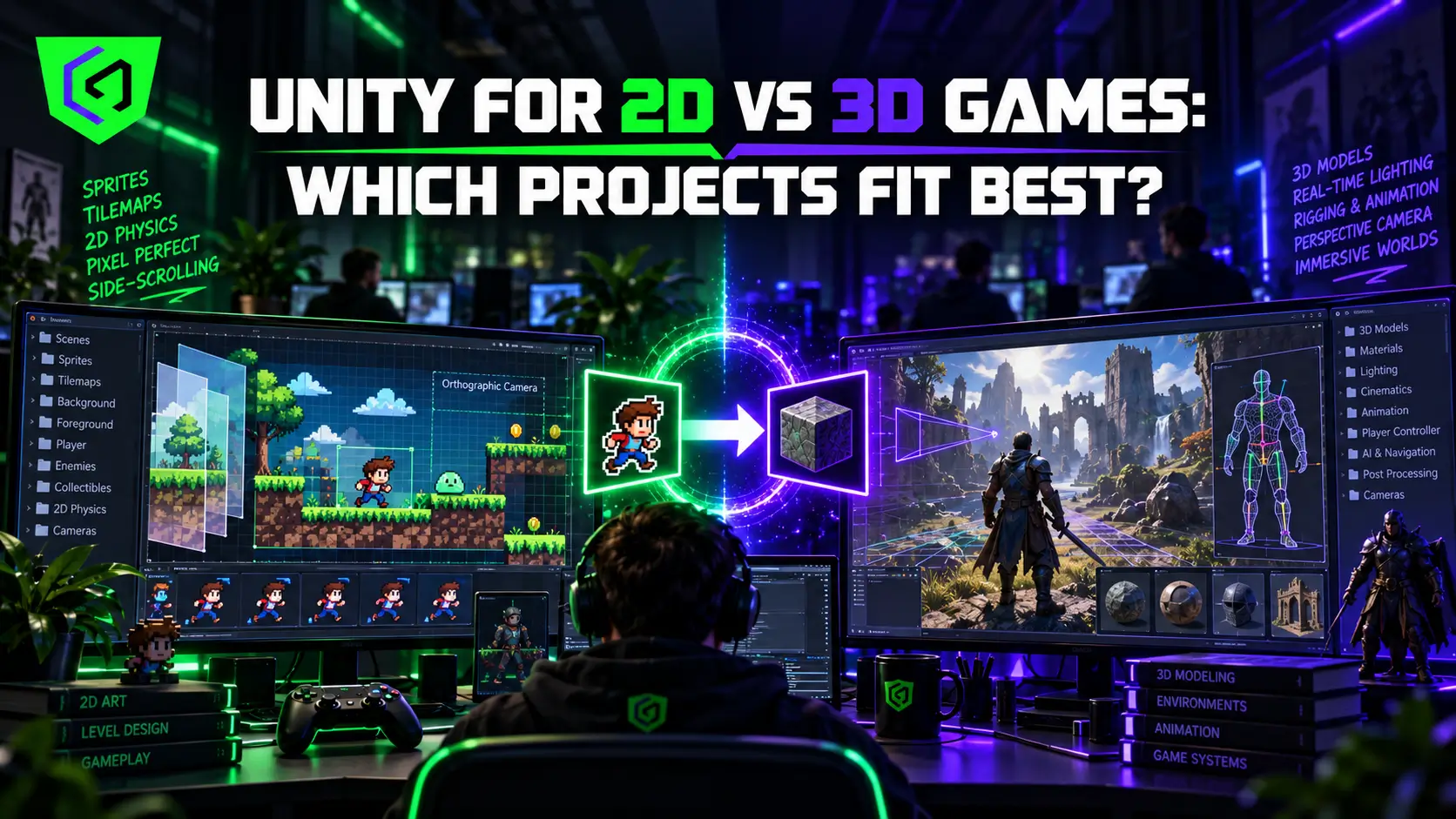
Somewhere in the first week of a new project, a founder opens Unity, sees the fork between 2D and 3D mode, and treats it like a coin flip when it is actually one of the most consequential decisions the entire production will make.
Get it right, and every downstream decision, team hiring, asset pipeline, and timeline falls into place with far less friction. Get it wrong, and a studio spends months fighting an engine setup that was never suited to the game it is actually trying to build.
Unity 2D vs 3D is not a question of which mode is more advanced or more professional, since Unity has supported both natively since Unity 4.3 introduced dedicated 2D tooling back in 2013, and both paths remain first-class citizens in the engine today. This guide breaks down exactly which projects fit each mode best, what changes technically between them, and how to make this call early enough that it does not become an expensive mid-production pivot.
What Actually Changes Between Unity 2D and 3D Projects?
Choosing 2D or 3D mode at project creation changes default asset import settings, camera behavior, and physics systems, though Unity’s architecture allows either mode to layer in elements from the other when a project genuinely needs it. Working in 2D mode means projects work primarily with sprites, tilemaps, and a 2D physics engine optimized for flat-plane movement and collision, while working in 3D mode means projects work with full mesh-based models, 3D physics, and camera systems that need to account for depth, occlusion, and three-dimensional spatial relationships that a 2D project never has to consider.
This distinction cascades into nearly every other production decision. Asset pipelines differ substantially, since 2D artists work primarily in illustration and sprite sheet tools while 3D projects require modeling, rigging, texturing, and often full animation pipelines layered on top of that modeling work. Team composition tends to follow the same split, with 2D projects often running lean on a small illustrator-plus-programmer core, while 3D projects typically need dedicated modelers, riggers, and technical artists in addition to core engineering.
When Do Unity 2D Games Make the Most Sense?
Genre is the strongest signal here, and it points in a clear direction for several common categories. Platformers, puzzle games, visual novels, and side-scrolling action titles all rely on mechanics that work naturally on a flat plane, where precise, readable player movement matters more than spatial depth or environmental immersion. Building these genres in 3D typically adds complexity, camera management, depth perception issues, and more demanding asset pipelines, without adding meaningful value to the actual gameplay experience players are there for.
Budget and team size point toward 2D just as clearly for many studios. A small team or a first-time founder testing whether a concept resonates before committing to a larger production benefits enormously from 2D’s shorter asset production timelines and lower per-asset cost, since a skilled illustrator can typically produce usable game-ready sprites faster than an equivalent 3D pipeline can produce a rigged, textured, animation-ready character. Mobile-first projects also lean naturally toward 2D in many cases, since Unity 2D games tend to carry smaller build sizes and lower performance overhead, which matters considerably on the wide range of mid-range devices that make up most of the actual mobile market.
When Do Unity 3D Games Actually Justify the Added Complexity?
Immersion and environmental storytelling are the clearest justification for committing to 3D. Open-world exploration, first-person or third-person action, and any genre where a sense of physical space and depth genuinely contributes to the player experience benefit from 3D in ways no amount of clever 2D art direction can fully replicate. A horror game relying on limited visibility and spatial tension, for instance, depends on 3D’s ability to control exactly what a player can and cannot see from a given vantage point.
Larger teams and bigger budgets tend to justify 3D more comfortably, since the genre expectations that typically call for 3D art, action, simulation, and open-world exploration in particular, usually come with corresponding production scope that a small team would struggle to deliver regardless of which mode they chose. Studios with existing 3D pipelines and talent from previous projects also have a practical reason to lean toward Unity 3D games again, since that institutional knowledge and existing asset library reduce both cost and risk on a new title built in the same mode.
Unity Engine Comparison: What the Two Modes Share and Where They Diverge?
Despite their differences, Unity 2D and 3D projects share far more infrastructure than many first-time developers realize. Both run on the same core engine, use the same scripting language and component architecture, and can access the same asset store, third-party plugins, and platform export targets. A studio comfortable with Unity’s general workflow can transfer a meaningful portion of that knowledge between 2D and 3D projects without starting entirely from scratch.
Where they diverge most sharply is in the specialized tooling each mode has accumulated over time. Unity’s 2D-specific features, including its Tilemap system, 2D physics engine, and Sprite Renderer pipeline, have matured considerably since their introduction and now offer workflow efficiency that would be genuinely difficult to replicate by forcing a 2D game through 3D-oriented tools. Similarly, Unity’s 3D rendering pipeline, lighting systems, and animation tooling are built specifically around the demands of spatial, mesh-based content in ways that would be unnecessarily complex to adapt for a purely flat-plane game.
What About 2.5D Projects That Borrow From Both?
A meaningful category of successful games sits between the two poles, using 3D models and environments while constraining gameplay to a 2D plane, or layering 2D sprite work into a 3D environment for stylistic effect. This 2.5D approach lets a project capture some of 3D’s visual depth and lighting richness while retaining the precise, readable mechanics that make 2D genres like platformers work so well.
Unity supports this hybrid approach reasonably well, since a project can technically run in 3D mode while constraining actual gameplay logic and camera movement to a 2D plane, giving a team the best of both toolsets without fully committing to the production overhead of a genuinely free-roaming 3D experience. Studios considering this path should treat it as a deliberate, specific choice made for clear artistic or gameplay reasons rather than an accidental middle ground reached by simply not deciding clearly between 2D and 3D from the outset.
Cost and Timeline: A Practical Unity Engine Comparison
Running a direct Unity engine comparison between a 2D and 3D version of a similarly scoped project reveals the gap clearly. A 2D platformer with a modest cast of characters and a handful of environment tilesets can often reach a playable vertical slice within a few weeks, since sprite production, animation, and level layout all move faster than their 3D equivalents. The same scope built in 3D typically demands several additional weeks minimum, since character modeling, rigging, texturing, and animation each add their own production stage that a 2D pipeline simply does not have.
That gap compounds significantly at full production scale rather than staying fixed at the prototype stage. A full 2D title with twenty unique enemy types might require twenty sets of sprite sheets and associated animations, a workload a small art team can reasonably plan around. The 3D equivalent requires twenty fully modeled, rigged, and animated characters, each demanding more specialist time per unit than its 2D counterpart. Any Unity engine comparison run purely on a per-asset basis will consistently show 2D as the faster, cheaper path, though that advantage only matters if the genre and creative vision genuinely call for 2D in the first place rather than being chosen purely to save budget on a concept that would be stronger in 3D.
Platform target factors into this comparison too. A 2D game intended for both mobile and PC release typically ports between those platforms with fewer performance surprises than an equivalent 3D title, since 2D’s lower rendering overhead leaves more performance headroom to absorb the differences between a high-end PC and a mid-range phone.
How Game Engine Selection Should Actually Get Made?
Start with genre and core mechanic rather than starting with team preference or existing skill sets, since building the wrong dimensional approach around a mismatched genre tends to create friction throughout the entire production regardless of how skilled the team executing it might be. A puzzle game forced into 3D for the sake of visual ambition, or an open-world exploration game compressed into 2D to save budget, both tend to fight their own core concept in ways that show up clearly to players even if the underlying execution is technically competent.
Budget and timeline should factor in immediately after genre fit is established, since 2D’s faster asset production and smaller team requirements make it the more forgiving choice for studios operating under real financial or time pressure. Existing team expertise matters too, though it should generally follow rather than lead genre and budget considerations, since a team skilled in 3D can still learn 2D-specific tooling for a project that genuinely calls for it, and the reverse holds just as true given enough onboarding time. A short discovery conversation covering genre, target platform, budget ceiling, and current team skill set usually surfaces the right answer faster than weeks of internal debate ever would. Cobweb Games’ Unity game development work covers both modes under one roof specifically so that engine and dimensional recommendations during discovery reflect what a project actually needs rather than which mode a particular team happens to already know best.
Common Mistakes When Choosing Between Unity 2D and 3D
Choosing 3D purely for perceived prestige is one of the most common and costly mistakes early-stage studios make. Some founders assume 3D signals a more serious or ambitious project regardless of genre fit, and end up paying for a production complexity that adds cost and risk without improving the actual game players will experience. A charming, tightly designed 2D puzzle game will almost always outperform a mediocre 3D version of the same core idea, since players judge execution quality far more than they judge which rendering pipeline produced it.
Underestimating 2D’s technical depth is an equally common mistake in the opposite direction. Treating 2D as the simple, lesser option can lead teams to under-resource art direction, animation polish, and the precise mechanical feel that separates a genuinely great 2D game from a forgettable one. Some of the most technically demanding animation work in the industry happens inside 2D pipelines specifically because every frame has to carry visual weight without the benefit of dynamic lighting or camera depth to help sell an effect. Switching modes mid-production is the most expensive mistake of all, since 2D and 3D projects diverge enough in asset pipelines, camera systems, and physics that a mid-development pivot often means rebuilding substantial portions of the game rather than simply adjusting a setting.
Frequently Asked Questions
Can a single Unity project combine both 2D and 3D elements?
Yes, and many successful games do exactly this, often called 2.5D. A project can use 3D models and environments while constraining gameplay mechanics to a 2D plane, or the reverse, layering 2D UI and effects on top of a fully 3D game world.
Is Unity 2D development actually cheaper than Unity 3D development?
Generally yes, primarily due to faster asset production timelines and smaller team requirements. A skilled 2D illustrator typically produces usable game-ready assets faster than an equivalent 3D pipeline covering modeling, rigging, texturing, and animation for the same character or object.
Do Unity 2D games perform better on mobile devices than Unity 3D games?
Usually, yes, since 2D games typically carry smaller build sizes and lower rendering overhead compared to equivalent 3D projects. This matters considerably on the broad range of mid-range devices that make up most of the actual mobile gaming market, rather than just newer flagship hardware.
What game engine selection factors matter most beyond 2D versus 3D?
Team experience, target platform, budget, and genre all factor heavily into broader game engine selection beyond just the 2D or 3D question specifically. A studio should evaluate these factors together rather than treating engine choice and dimensional approach as two entirely separate decisions made independently of each other.
Is it harder to hire experienced 2D or 3D Unity developers?
Both talent pools are substantial given Unity’s overall market share, though 3D specialists focused on high-end rendering or complex physics work can be somewhat harder to source than general 2D developers, simply because 3D roles often demand more specialized, narrower technical expertise.
Should a mobile game always default to Unity 2D over Unity 3D?
Not always, though it is a reasonable default assumption worth testing against genre fit first. Many successful mobile titles run in 3D, particularly in genres like racing or action where spatial depth genuinely enhances the player experience, provided the project accounts for the additional performance optimization 3D mobile work typically requires.
