
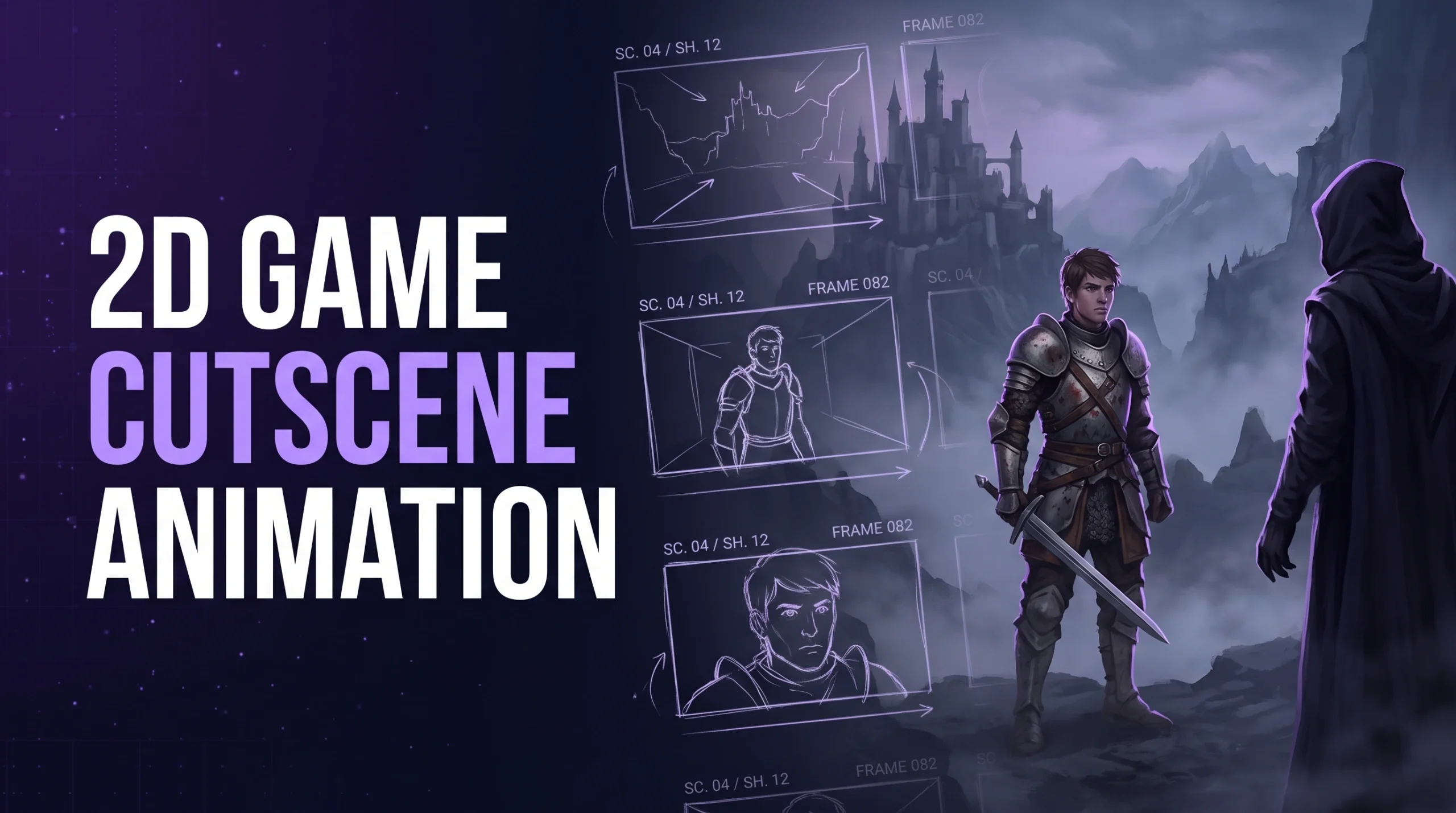
A cutscene is a promise the game makes to the player: stop playing for a moment, because something matters. Keep that promise and the player remembers the scene for years. Break it with a slow fade, an unskippable monologue, or art that looks cheaper than the gameplay, and the player reaches for the skip button.
2D game cutscene animation sits in an interesting spot. It can be as lavish as a hand-drawn short film or as lean as a few illustrated panels with camera moves, and the right choice depends on the story, the style, and the money. This guide sorts the main formats, shows how a cutscene moves from script to shipped build, covers the technical choices that decide quality and file size, and ends with planning ranges and common mistakes. Published production facts are cited where they exist. Cost figures are labeled as planning ranges because no public standard exists for them.
What a Cutscene Is For?
Every cutscene should earn its place by doing at least one of these jobs.
- Deliver story that gameplay cannot. Backstory, villain reveals, and emotional turning points often need controlled framing and performance.
- Reward progress. A short scene after a boss or chapter gives the win a moment of weight.
- Introduce the world. Openings set tone, stakes, and art direction in under a minute.
- Teach without a tutorial screen. A scene can show a mechanic being used before the player tries it.
- Pace the experience. A quiet scene between intense levels resets the player’s energy.
A scene with no job on this list is a candidate for cutting. Players tend to forgive a short cutscene that matters and resent a long one that does not.
The Six Formats, From Lean to Lavish
Among 2D cutscenes, the choice of format drives cost, file size, and feel more than any other decision.
2D cutscenes are not one technique. Studios choose among several formats, and many games mix them across the story.
| Format | How It Works | Strength | Trade-off |
| Illustrated stills with camera moves | Painted frames with pans, zooms, and parallax, plus text or voice | Cheapest, strong visual storytelling | Little character performance |
| Motion comic | Panels with limited animation, effects, and transitions | Comics-style flavor, fast to produce | Can feel static if overused |
| Rigged cutout animation | Layered character parts moved on a skeleton in a tool such as Spine | Reusable assets, small files, reasonable performance | Mechanical motion without careful animation |
| In-engine sequences | Game characters and scenery directed with a sequencing tool | Shares assets with gameplay, no video files | Quality limited to game sprites and rigs |
| Limited-frame hand animation | Key drawings with held frames and selective motion | Expressive look on a manageable budget | Needs strong key poses and timing |
| Full-frame hand animation | Drawing-by-drawing animation at film-like frame rates | Highest expressiveness | Highest cost and file size |
Cuphead shows the top of the scale. According to Unity’s and GamesRadar’s accounts of its making, its animation was drawn by hand on paper, inked, scanned, and colored digitally, and played at 24 frames per second inside a 60 frames-per-second game. The team estimated about 15,000 hand-drawn frames in 2015, and the final game contained closer to 50,000. That is the price of a hand-drawn look carried through the whole game, and most studios carry it only through select cutscenes.
Our 2D animation team often recommends a mixed approach: full or limited animation for the few scenes that carry the story’s peaks, with illustrated or in-engine scenes for the rest. The mix keeps quality high where it counts and the budget realistic everywhere else.
What Can Actually Be Outsourced?
Game art outsourcing covers a wide range of disciplines: 2D and 3D character design, environment art, UI and UX design, concept art, marketing and key art, animation, and technical art like rigging and shader work. A studio can outsource a single asset category or run an entire art pipeline through an external partner, depending on internal capacity and budget.
Format Choice Starts With the Story
Before picking a format, answer five questions.
- How much acting does the scene need? A character who must cry, laugh, and hesitate needs real animation. A narrator over painted scenery does not.
- How many scenes are there? Twenty short scenes call for a repeatable method. Two climactic scenes can each get bespoke treatment.
- What does the gameplay art look like? A cutscene much more detailed than gameplay creates a jarring gap, and one much simpler looks like an afterthought.
- Where will it run? Mobile and web builds need small files. PC and console builds can afford video or high-resolution sequences.
- What will players do on a second playthrough? Scenes seen repeatedly should be short and skippable.
Our narrative animation producers write the answers into a one-page cutscene brief before drawing begins, since format changes after approval are expensive.
From Script to Screen: The Production Pipeline
A cutscene moves through a sequence of stages, each of which produces something a client or director can approve.
1. Script and Beat Sheet
The script defines what happens, who speaks, and what the player should feel. Cutscene writing is economical: every line must work harder than it would in a novel, because screen time is expensive and attention is short. The beat sheet breaks the script into moments, each with a purpose.
2. Storyboard
Artists draw each shot, showing framing, character positions, and camera moves. A storyboard is the cheapest place to find problems. Cutting a shot here costs minutes, while cutting an animated shot costs days.
3. Animatic
The storyboard panels are placed on a timeline with rough audio, timed to the intended pacing. An animatic shows where a scene drags or rushes long before animation begins. Many cutscenes get shorter at this stage, and almost all get better.
4. Asset Production
Characters, backgrounds, props, and effects are drawn or built to final quality. Our character design artists build character sheets with animation in mind, and our 2D art team paints backgrounds in layers so they can support camera moves and parallax.
5. Animation
Animators produce the motion using the chosen format: key drawings and in-betweens, rigged performance, or in-engine sequencing. They apply the same timing principles used in gameplay animation, with more room for subtlety, because the player is not holding a controller.
6. Effects, Lighting, and Compositing
Dust, glows, shadows, impact flashes, and color grading unify the scene. Compositing also makes sure cutscene art matches gameplay art in color and contrast.
7. Sound, Voice, and Music
Audio does half the emotional work. Voice recording, sound effects, ambience, and music are timed to the picture, and lip-sync is handled according to the style, from simple mouth shapes to detailed phoneme work.
8. Engine Integration and Testing
The finished scene is built into the game with triggers, transitions, skip behavior, and subtitles, then tested on every target device. Our Unity game development engineers handle this step so that scenes start and end cleanly, and our game testing group checks timing, audio sync, and memory use.
Technical Choices That Shape the Result
Pre-Rendered Video or Real-Time Playback?
A cutscene can be exported as a video file and played back, or it can run in real time using the game’s own assets. Each has consequences.
| Approach | Advantages | Drawbacks |
| Pre-rendered video | Full visual control, can use effects the engine cannot, consistent look on every device | Large files, compression artifacts, harder localization if text or lips are baked in |
| Real-time in engine | Small footprint, shares game assets, easy localization and edits, can react to player choices | Limited to what the engine renders, performance load during scenes |
Video suits the most lavish scenes and projects with ample storage. Real-time suits mobile games, games with player customization, and teams that need to revise scenes late. Engines include sequencing tools for the second approach. Unity’s Timeline, for example, is documented as a tool for sequencing animations, audio, and other tracks into a timeline.
Frame Rate and Style
Hand-drawn 2D animation is often made at 12, 15, or 24 frames per second, and game engines play it back inside a 60 frames-per-second loop by holding frames. Cuphead’s team did exactly that. Rigged animation, by contrast, can be interpolated to any frame rate. A published developer account from the team behind Blightbound describes baking rigged animation at 30 frames per second and interpolating for higher rates, and it reports about 65 MB of texture space across 4,600 parts for the full cast, which illustrates how much leaner rigged approaches can be than full sprite sheets.
Memory and File Size
A full-frame animated cutscene can dwarf the rest of a mobile game’s art budget. Options include:
- Reusing character parts through rigging
- Limiting animation to moving elements and holding the background
- Streaming video from storage instead of loading it into memory
- Compressing video aggressively at the target screen size
- Sharing atlases between cutscene and gameplay art
- Cutting scene length
Our mobile game development specialists check cutscene size against install limits and memory budgets early, since a lavish scene that pushes a download over a store threshold costs more in lost installs than it earns in prestige.
Lip-Sync and Voice
2D lip-sync ranges from a simple open-and-close mouth to a set of mouth shapes for each speech sound, often called visemes. Fewer shapes are cheaper and fit stylized art. More shapes suit realistic or hand-drawn performance. Dialogue also changes by language, so games with several voice languages need a plan: either animate lip-sync per language, use a stylization that tolerates mismatch, or rely on subtitles with a single voice track.
Player-Facing Details That Separate Good From Frustrating
A well-animated cutscene can still annoy players if the surrounding behavior is poor. These details matter.
- Skip controls. Let players skip, and make the control easy to find. A scene that must be watched once can be unskippable the first time at most, and replayed scenes should always be skippable.
- Subtitles. Provide them for all important speech, with readable size, strong contrast, and clear speaker identification. Subtitles also serve players who play without sound, which is common on mobile.
- Pause and resume. Players get interrupted, especially on phones. A cutscene that cannot be paused is a small tax on every phone call.
- Loading cover. A cutscene can hide a loading screen, but only if the timing is reliable.
- Seamless transitions. The jump from cutscene to gameplay should keep color, music, and camera continuity.
- Replay access. A gallery or chapter select lets fans revisit favorite scenes.
- Save behavior. Never place a long unskippable scene right before a section the player may repeat.
Pacing: Short Scenes Hit Harder
Pacing is where 2D game cutscene animation either respects the player or tests their patience.
The most reliable rule in cutscene design is brevity. In our experience, scenes under a minute land harder than scenes of several minutes, since each additional minute asks the player to keep waiting. Where a long story must be told, break it into short scenes separated by play, so the player’s attention renews each time.
Pacing within a scene follows similar logic. Open late and leave early. Skip the walking-into-the-room shot. Cut on action. Hold on a face for one beat longer than comfortable only when the moment earns it.
Writing for the Screen: Script Craft That Saves Animation Budget
Cutscene writing differs from level dialogue and from prose, because every second of screen time carries a production cost. A few habits keep scripts efficient.
- Show before telling. A character slamming a drawer shut says more than a line explaining her anger, and it costs one animation instead of ten seconds of voice.
- Give every shot one idea. Shots that try to do three things need three times the planning and read as muddled.
- Write for the format. A script for illustrated stills can lean on narration and a few strong images. A script for full animation can rely on acting and silence.
- Plan reuse. Recurring locations, repeated character poses, and shared effects stretch assets across scenes.
- Leave room for the camera. Pans, push-ins, and cuts add motion and drama to even simple art, which is why game cinematics built on limited animation can still feel cinematic.
- Read it aloud. Dialogue that sounds stiff in a recording booth sounds worse in a finished scene.
Good writers also know when to stop. A cutscene that ends one beat earlier than expected often leaves a stronger impression than one that resolves every question.
Cutscenes by Genre
Different genres use game cinematics differently, and the format mix follows.
| Genre | Typical Cutscene Role | Common Format Choice |
| Story-driven adventure and RPG | Core narrative delivery, character moments | Mix of full or limited animation and in-engine scenes |
| Platformer and action | Opening, boss intros, ending | Short limited animation or illustrated sequences |
| Puzzle and casual | World setup, light story between levels | Illustrated stills and motion comics |
| Visual novel style | Story is the game | Layered stills with expression changes and effects |
| Strategy and management | Briefings, event moments | Illustrated panels and short rigged scenes |
| Mobile live-service | Event stories, character reveals | Rigged cutout animation for reuse across events |
Live-service games deserve a note. Frequent events and seasonal stories need a pipeline that produces new scenes quickly. Rigged cutout animation shines here, because the same characters and backgrounds can be recombined for each update without redrawing everything.
Localization Without Rework
Games that ship in many languages should plan for it in the cutscene pipeline from the first storyboard. Text baked into video forces a re-render for every language, so keep text as separate layers that the engine can swap. Voice tracks should be separate files, and lip-sync approaches should tolerate timing differences, since translated lines rarely match the original length. Leave breathing room in scene timing so longer languages fit, and test every language build, since subtitle overflow and audio drift are the usual casualties.
Planning Ranges for Time and Cost
No public standard prices for 2D cutscenes, because style, length, and complexity vary so much. The ranges below are planning figures drawn from production practice, expressed as relative effort rather than dollar values, since studio rates and regions vary.
| Format | Relative Effort per Minute of Finished Scene | Typical Team |
| Illustrated stills with camera moves | Low | Illustrator, editor, sound |
| Motion comic | Low to moderate | Illustrator, animator, sound |
| Rigged cutout animation | Moderate | Illustrator, rigger, animator, sound |
| In-engine sequence | Moderate | Animator, engineer, sound |
| Limited-frame hand animation | High | Animation team, background artists, sound |
| Full-frame hand animation | Very high | Large animation team, sound |
A useful way to budget is to set a total cutscene time for the whole game, such as ten minutes, then divide it among formats. Three minutes of full animation for the opening and ending, three minutes of rigged scenes for story beats, and four minutes of illustrated sequences for connective tissue produces a very different result from ten minutes of full animation at the same budget.
The main drivers of cost are:
- Number of characters on screen
- Number of unique backgrounds
- Acting complexity and camera movement
- Special effects and lighting
- Voice recording and lip-sync requirements
- Number of revision rounds
- Language versions
Locking the script and storyboard before animation starts is the single most effective way to protect a cutscene budget.
Cobweb Games’ Approach to 2D Cutscenes
We design 2D game cutscene animation from the budget backward. Our team starts with the total story time the project can afford, assigns formats to scenes by importance, and tests one representative scene in the target engine before committing to the rest. That test measures file size, performance, and style match on real devices. Our game animation producers keep storyboard and animatic approval as hard gates, so animation starts only after the scene’s timing is locked. When a project needs promotional versions of its story moments for stores or social channels, the same assets feed trailers and ads without being rebuilt.
Common Mistakes in 2D Cutscene Animation
- Making scenes too long. Players skip scenes that overstay their welcome.
- Quality mismatch. Cutscenes far above or below gameplay art break the world.
- Animating before the animatic. Timing problems found in finished animation cost far more to fix.
- Ignoring file size. A single heavy scene can bloat a mobile build.
- Baking in text and language. Localization turns expensive when words live inside video.
- No skip button. Replays turn scenes into obstacles.
- No subtitles. Many players watch without sound, and some cannot hear it.
- Late format changes. Switching from stills to full animation after approval resets the schedule.
- Cutscenes that explain what gameplay could show. If the player can learn it by doing, let them.
Frequently Asked Questions
What is 2D game cutscene animation?
It is the creation of non-interactive animated scenes for 2D games, used to tell a story, introduce the world, reward progress, or set up a mechanic. Formats range from illustrated panels with camera moves to full hand-drawn animation.
How long should a game cutscene be?
Shorter is generally better. Many strong scenes run under a minute, and long stories work best when split into short scenes separated by gameplay. Scenes that players may see more than once should be skippable.
How much does a 2D game cutscene cost?
It depends on format, length, and complexity. Illustrated scenes with camera moves cost the least, rigged animation sits in the middle, and full hand-drawn animation costs the most. A project brief with total cutscene time, format mix, and revision rounds gives a reliable quote.
Should cutscenes be pre-rendered video or real-time?
Pre-rendered video gives full visual control at the cost of file size and localization flexibility. Real-time scenes in the engine use less storage and adapt more easily, which suits mobile projects and games with player customization.
What software is used for 2D cutscene animation?
Studios use drawing tools such as Photoshop, Clip Studio Paint, and Toon Boom, rigging tools such as Spine, compositing tools such as After Effects, and engine sequencers such as Unity’s Timeline for in-game integration.
Do 2D cutscenes need lip-sync?
It depends on style. Stylized games often use simple open-and-close mouth shapes, while realistic or hand-drawn performances use more mouth shapes. Games with multiple voice languages should plan for how lip-sync will work in each.
Can cutscene assets be reused for marketing?
Yes. Key frames, characters, and backgrounds from cutscenes often feed trailers, social clips, and store creatives, which is a strong reason to build them at high quality and keep layered source files.
