
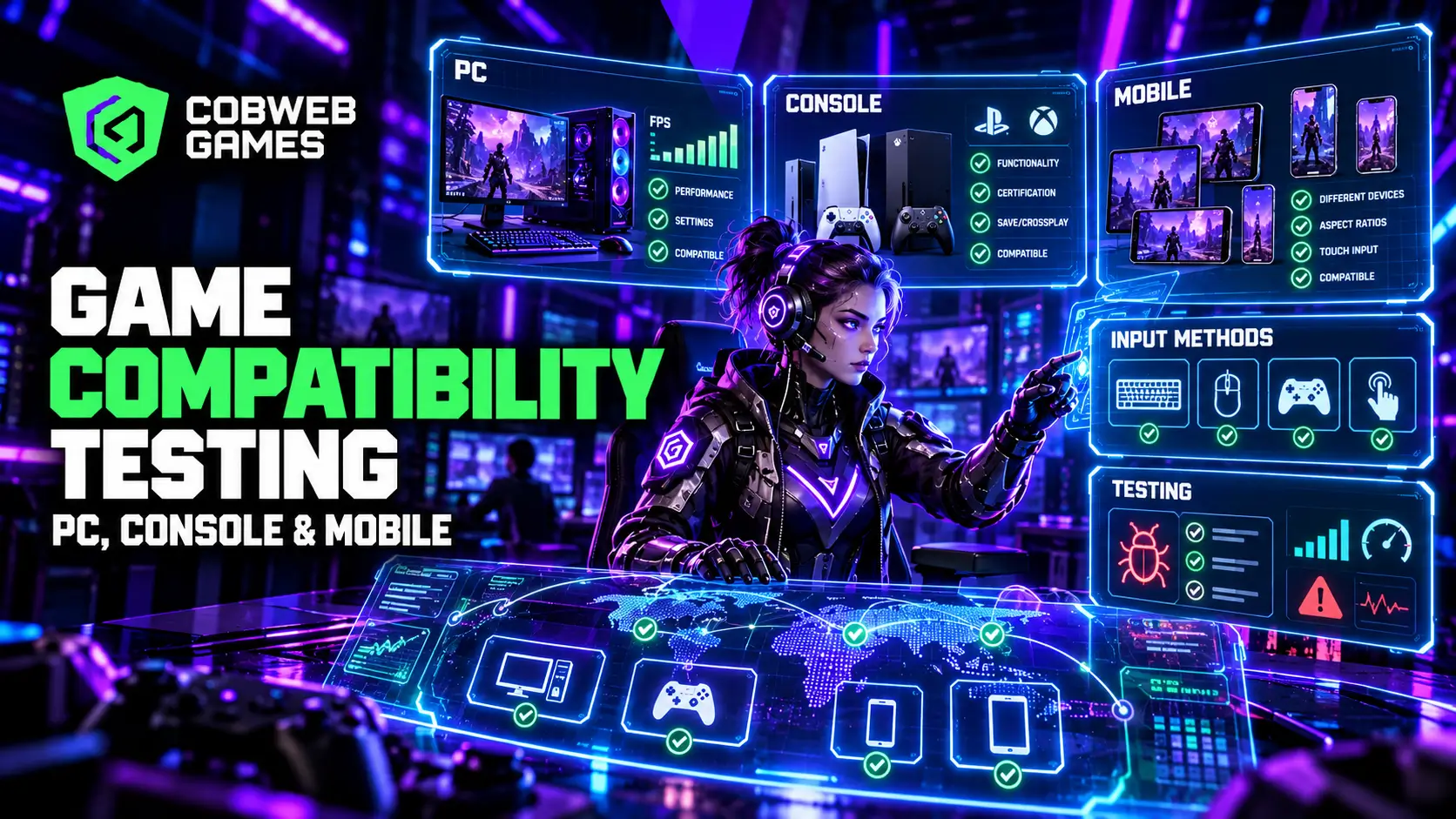
A build that runs flawlessly on the developer’s own machine tells you almost nothing about how it will run on the actual device in a real player’s hands. Game compatibility testing exists to close that gap. Skip it, and the bugs don’t disappear; they relocate to a one-star review.
What Compatibility Testing Actually Covers?
- Hardware and GPU compatibility: rendering inconsistencies, input lag variance, driver-specific regressions
- Platform and store compatibility: Steam/Epic/Origin, PlayStation/Xbox/Switch, Android/iOS/Kindle
- Screen resolution and aspect ratio across 4:3, 16:9, 21:9, and mobile sizes
- Input method coverage: touch, keyboard/mouse, controller, often within the same title
Device Compatibility Games Actually Need to Cover
Build a prioritized matrix covering the top 20–30 target devices from real install data, expanding to 50+ for AAA titles. Test on real physical devices wherever possible, since GPU rendering issues rarely reproduce reliably in emulators. Feed post-launch crash data back into the matrix.
Console Testing: A Different Certification Reality
Fixed hardware removes fragmentation but adds formal, platform-specific certification: PlayStation, Xbox, and Switch each run their own checklists and review cadence. Save data handling, controller input standards, and age rating compliance all fall under formal scope, and certification needs ongoing attention well past initial launch.
Cross Platform Testing for Titles Spanning Multiple Ecosystems
Partial crossplay (PlayStation and Xbox sharing a pool while PC stays isolated) is common enough that assuming full crossplay without testing it is a real risk.
- Matchmaking pool boundaries
- Cross-progression and cross-save behavior
- UI/UX consistency across input methods
- Performance parity across the full hardware range in a shared pool
Mobile Compatibility Testing and the Vision AI Shift
- Automated smoke tests on every build, across 10+ devices
- Vision AI-based testing describing tests in plain language, running across Android and iOS from one test file
- Performance regression testing, run nightly against previous builds
- Manual playtesting for gameplay feel and visual quality
Cloud gaming validation adds input-to-photon latency as its own testing category, and a UI that becomes unreadable at lower streaming bitrates can quietly lose the mobile-cloud audience.
What a Tier 1 Compatibility Pass Actually Includes?
Install/update flow, first launch behavior, rendering checks on visually complex scenes, input handling validation, performance profiling under load, and interrupt handling (calls, notifications, sleep).
Budgeting for a Real Compatibility Testing Program
Cost drivers: platform count, device breadth within mobile, testing frequency (one-time vs. ongoing for live titles), and internal vs. partner vs. hybrid staffing. A cheaper quote built around a narrower device matrix isn’t automatically a better deal once the coverage gap is weighed against post-launch bug reports.
How Automated and Manual Testing Actually Divide the Work?
Automated tooling covers breadth cheaply: crash detection, UI verification, performance benchmarking at scale. Manual testing covers depth: subjective feel and readability judgments automated tools can’t yet reliably assess. The two should run in parallel, with automated results triaging which devices need human attention.
Building the Case for Professional Game Testing Providers
A dedicated game testing partner brings real device labs spanning hundreds of configurations, refined checklists, and data-driven prioritization discipline.
Signals of genuine value: broad real-device lab access, install-data-driven prioritization, platform-specific experience, and clear reporting with reproduction steps.
How Testing Fits Into the Broader Development Pipeline?
Wiring automated smoke tests into the build pipeline for studios building in Unity or Unreal Engine surfaces regressions within a day. This matters even more for mobile game development with a broad device spread, or three-dimensional game development spanning PC, console, and cloud. A bug caught during development costs a conversation. Caught at certification, it costs a delayed submission. Caught after launch, it costs a public bug report.
Common Mistakes
- Testing exclusively on flagship or developer-owned devices
- Relying entirely on emulators to save cost
- Treating compatibility testing as a single pre-launch event
- Ignoring post-launch crash data as a testing input
How Cobweb Games Approaches Compatibility Testing?
Cobweb Games structures compatibility testing as an integrated part of full game development engagements, with device matrix prioritization built around real target-audience data from the start.
Frequently Asked Questions
How many devices does a mobile game need testing on?
Top 20–30 by install data as a baseline; 50+ for AAA titles.
Is emulator testing ever an acceptable substitute?
Fine for early smoke tests, but real hardware is needed for a serious pre-launch pass.
Does cross-platform testing cost significantly more?
Yes, given matchmaking, cross-progression, and input parity checks on top of standard work.
How does console certification differ from standard testing?
Formal, platform-specific requirements set individually by PlayStation, Xbox, and Nintendo, with a failed submission delaying launch by weeks.
