
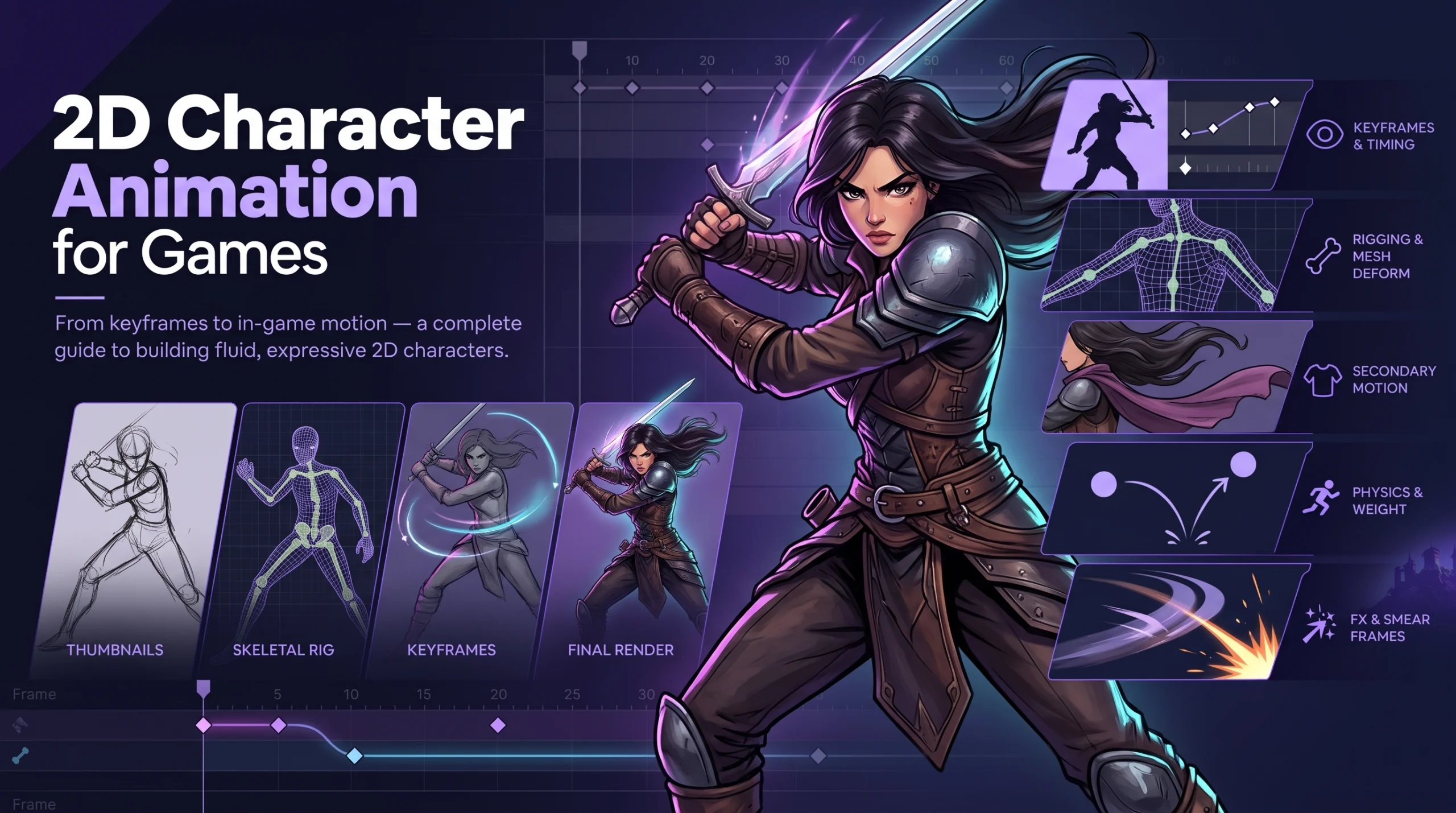
A 2D character gets a fraction of a second to prove it has weight. The player presses a button, the sprite lunges, and the brain decides in that sliver of time if the hit felt solid or hollow. No cutscene, no dialogue, and no lore can rescue a jump that floats or a punch that arrives without anticipation.
That is the odd craft of 2D character animation for games, and of sprite character animation in particular: it borrows from a hundred years of cartoon technique and then bolts it to a controller. This guide covers how studios plan, draw, rig, export, and ship 2D game characters, with real numbers from published production accounts and plain-labeled estimates where no standard exists.
Games Are Not Cartoons
Film animation controls time. A director decides exactly how long a gesture lasts, and the audience watches it. Game animation hands time to the player. The character must respond within a few frames of an input, interrupt itself when hit, and blend into the next action without a visible seam.
Three consequences shape every decision that follows.
- Responsiveness beats elegance. A beautiful twelve-frame wind-up feels terrible if the player waits for it. Game animators compress anticipation into a few frames or move it into the recovery phase.
- Loops and states rule. Idle, walk, run, jump, fall, attack, hurt, and defeat are states in a machine, and each needs clean entry and exit poses.
- Gameplay owns the timeline. Hit windows, invulnerability frames, and cancel rules are tuned by designers, so the animator builds poses that make those timings readable.
The classic principles of animation still apply. Frank Thomas and Ollie Johnston’s twelve principles of animation, published in *The Illusion of Life* in 1981, remain the vocabulary: squash and stretch, anticipation, follow-through, arcs, timing, and the rest. Game work simply asks the animator to apply them under a stopwatch.
The Three Main Techniques
Studios that build 2D game characters at scale usually work with one of three approaches, and many pipelines mix them.
Almost every 2D character falls into one of three approaches, and many production pipelines mix them.
| Technique | How It Works | Best For | Main Cost |
| Frame-by-frame (sprite) | Every pose is drawn individually and played in sequence | Expressive, hand-drawn looks and tight combat timing | Many drawings and large texture memory |
| Skeletal (cutout) | Character is split into parts attached to bones and moved by rig | Large casts, reusable motion, small file sizes | Setup time and a more mechanical feel without care |
| Hybrid | Rigged body with swapped hand-drawn frames for faces, hands, or key poses | Productions needing both flexibility and expressiveness | Pipeline complexity |
Frame-by-Frame: The Hand-Drawn Route
Frame-by-frame gives artists total freedom, because anything that can be drawn can be animated, and the result plays in the game without special handling. Cuphead is the best-known modern example. Per Unity’s and GamesRadar’s accounts of the making of the game, every animated frame was hand-drawn on paper, inked, scanned, and colored in Photoshop, following 1930s cartoon methods. The animation plays at 24 frames per second and loops within a 60 frames-per-second game. GamesRadar reports a 2015 estimate of about 15,000 hand-drawn frames and a final count nearer 50,000, with some attacks running up to 30 frames, about 25 minutes of work per frame on average, and a core of five full-time animators.
Those numbers show the real price of the hand-drawn look. The result is spectacular, and the schedule is long. Studios choose this path when the animation is the identity of the game and the budget and calendar support it.
Memory is the other cost. A sprite sheet is a single large image holding many frames, and engines have texture size limits. A published developer account from the team behind Awesomenauts describes fitting one character into a 4096 by 4096 sheet and having to lower resolution or reduce frame rate to do it. The same account says a single Awesomenauts character used about 16 MB of texture space, excluding skins. Large characters, such as screen-filling bosses, force even harder trade-offs.
Skeletal Animation: Cutout Rigs
Skeletal animation splits a character into pieces, such as head, torso, upper arm, forearm, and hand, then attaches them to a bone hierarchy. Animators pose bones, and the system moves the art. The advantages are large:
- Small files. One set of body parts replaces hundreds of full frames.
- Reusable motion. Walk cycles can be shared between similar characters.
- Smooth interpolation. Motion plays at any frame rate without redrawing.
- Easy variation. Swapping a hat, weapon, or outfit means swapping a part, not redrawing every frame.
The same Blightbound toolchain write-up on Game Developer describes the other side of the trade. The studio moved away from sprite sheets toward a rigged system built on After Effects with a 2D rigging plugin, and reports that all characters and enemies together used about 65 MB of texture space across 4,600 parts, at higher resolution and frame rate than their earlier game. They baked position, rotation, and scale per part at 30 frames per second and interpolated for higher frame rates. The same account notes limits: mesh deformation was not supported in their setup, and artists worked around it by deforming parts in an image editor and exporting them as frames, which was labor-intensive.
Dedicated tools exist for this approach. Spine, from Esoteric Software, is a widely used 2D skeletal animation tool with runtimes for common engines. Its purchase page lists Essential and Professional editions for smaller businesses, and an Enterprise license for businesses with annual revenue of $500,000 or more. Prices and tiers change, so confirm them on the vendor’s site before budgeting. Unity also offers its own 2D animation tooling for skinned sprites, and open-source and engine-specific alternatives exist.
Hybrid: Rigged Bodies With Drawn Moments
Many modern 2D games blend the two. A rigged body handles locomotion and general movement, and hand-drawn frames cover expressive moments such as faces, hands, special attacks, or hit reactions. The blend delivers flexibility where it is cheap and craftsmanship where it matters. The cost is a more complex pipeline, since artists, riggers, and engineers must agree on how the two systems hand off.
What Can Actually Be Outsourced?
Game art outsourcing covers a wide range of disciplines: 2D and 3D character design, environment art, UI and UX design, concept art, marketing and key art, animation, and technical art like rigging and shader work. A studio can outsource a single asset category or run an entire art pipeline through an external partner, depending on internal capacity and budget.
How to Choose a Technique?
Four questions usually decide the route.
- What does the art style demand? Painterly, expressive, or highly stylized looks lean toward frame-by-frame. Clean vector or cutout looks suit skeletal rigs.
- How many characters and animations? A large cast with shared movement favors skeletal. A small cast with signature moves favors frame-by-frame.
- What are the memory limits? Mobile and web builds punish large sprite sheets.
- How much customization will players expect? Swappable outfits and gear are far easier with rigged parts.
Our 2D animation team usually recommends a short test on the target platform before committing, with one character animated both ways and measured for memory, quality, and production hours.
The Character Animation Pipeline, Step by Step
A reliable pipeline keeps production predictable. These nine steps describe how our studio and many others approach 2D game characters.
1. Character Sheet and Design Lock
The character design is locked first: turnarounds, proportions, color palette, costume parts, and expression sheets. Changes after animation starts multiply cost, since every drawing or part might need rework. Our character design team delivers sheets built with animation in mind, with clean silhouettes, readable shapes, and costume parts that separate sensibly for rigging.
2. Animation List and Frame Budget
The team writes down every action the character needs: idle, walk, run, jump, fall, land, attacks, hurt, defeat, interactions, and special moves. Each gets a target length and frame count. The budget table below shows a rough planning example for a small action game, with figures that vary by project and style.
| Animation | Typical Frame Range (Sprite) | Looping |
| Idle | 4 to 12 | Yes |
| Walk | 6 to 12 | Yes |
| Run | 6 to 10 | Yes |
| Jump (rise, apex, fall) | 3 to 6 per phase | No |
| Land | 3 to 5 | No |
| Light attack | 5 to 10 | No |
| Heavy attack | 8 to 16 | No |
| Hurt | 3 to 5 | No |
| Defeat | 8 to 20 | No |
These ranges are common planning figures from production practice and not published standards. Cuphead’s attacks sit toward the high end, with some running to 30 frames.
3. Key Poses and Timing Sheets
Animators draw the key poses, the extremes of each action, and test them in the game’s timing. A punch needs a clear startup, a hit frame, and a recovery, so designers and animators agree on which frames are which.
4. Gameplay Timing Pass
The key poses go into the engine as placeholders and play with real controls. This catches responsiveness problems early, before hundreds of finished frames exist. A move that feels slow at keys alone will feel worse after in-betweening.
5. In-Betweening or Rig Animation
For frame-by-frame work, in-between drawings fill the gaps. For skeletal work, animators pose and time the rig and add secondary motion, such as swinging capes, hair, and tails.
6. Cleanup and Color
Line art is cleaned, colors are applied, and consistency checks catch drawing drift between frames. In skeletal pipelines, this stage covers part cleanup and mesh weighting.
7. Effects Layering
Impact flashes, dust, slashes, and trails are often separate effect animations layered on the character. Separating them keeps the character sprite reusable and lets designers tune effect timing independently. The same teams build 2D art assets for these effects so the style matches the characters.
8. Export and Optimization
Frames are packed into sprite atlases, or rigs are exported with their runtime data. Optimization includes trimming transparent space, choosing texture compression, removing duplicate frames, and checking memory on the lowest-spec target device.
9. Engine Integration and Testing
The animations go into a state machine in the engine with transitions, blending rules, and event triggers for hit boxes, sounds, and effects. Our Unity game development engineers wire animation events to gameplay, so a sword swing damages enemies on the right frame. Game testing then looks for visual glitches, transition pops, and timing issues across devices.
Movement Design: The Details Players Feel
Character movement in 2D games is built from small details that players absorb without noticing them.
- Weight. Slower acceleration and a visible crouch before a jump suggest mass, while quick snaps suggest lightness.
- Arcs. Limbs and weapons travel along curves rather than straight lines.
- Anticipation and follow-through. A short wind-up and an overshoot make actions readable.
- Squash and stretch. Subtle deformation on landing or launch adds life, even in a realistic style.
- Secondary motion. Hair, clothing, and tails that keep moving after the body stops.
- Silhouette clarity. Every action pose should read as a distinct shape, even in black.
- Consistent facing. Characters flip or turn with believable transitions, rather than snapping.
Some games allow more animation than others. A fighting game needs frame-accurate control and strict rules, while a platformer can allow looser, more expressive movement.
Directions and Facing
2D characters can face one direction and flip for the other, which halves the work. Games with top-down or isometric views often need four or eight directions, which multiplies animation count. Designers should decide early because the difference is dramatic: eight directions across twenty animations is 160 sequences before variations.
Shortcuts help. Symmetrical characters can mirror animations, and skeletal rigs can reuse motion across directions with small adjustments. Asymmetric characters, such as one with a weapon in one hand, may need distinct left and right versions.
Tools in Common Use
| Task | Common Tools |
| Drawing and frame animation | Photoshop, Clip Studio Paint, Aseprite, Toon Boom, Krita |
| Skeletal rigging and animation | Spine, Unity’s 2D animation tools, DragonBones, After Effects with rigging plugins |
| Sprite packing | Texture packer tools and engine atlases |
| Engine integration | Unity, Godot, Unreal Engine (via paper 2D tools or plugins), custom engines |
Tool choice follows pipeline, not fashion. A team that already works in Unity benefits from tools with Unity runtimes, and a team with a custom engine needs export formats that engine can read. Our mobile game development specialists check tool output against mobile memory and performance limits from day one.
Engine Integration: Where the Animation Meets the Game
Good 2D character animation falls apart if the engine plays it badly, so integration deserves its own plan. Sprite character animation in most engines runs through a state machine: each state, such as idle, run, or attack, plays a clip, and transitions define when one clip hands off to the next. Unity’s Animator, Godot’s AnimationTree, and comparable systems in other engines all follow this idea.
Several integration choices change how the finished character feels:
- Animation events. Tagging the exact frame where a hit lands, a footstep sounds, or a projectile spawns keeps audio, effects, and damage locked to the visuals.
- Transition rules. Letting some attacks cancel into a dodge while others commit the character makes character movement feel deliberate. Designers and animators should agree on these rules before polish begins.
- Root motion or scripted motion. Either the animation moves the character through space, or code does while the animation plays in place. Scripted motion is easier to tune, and root motion matches planted feet more precisely.
- Frame rate handling. A hand-drawn clip at 12 or 24 frames per second can play inside a 60 frames-per-second game, but the engine must hold each frame for the right number of ticks.
- Pixel and sorting rules. Sprite pivots, sorting layers, and filtering settings decide how a character sits on the ground and how crisp it stays at different resolutions.
Teams that treat integration as a late task usually discover that sprite pivots wobble, hit frames drift, or loops stutter. Bringing an engineer into the first animation test avoids most of it.
Common Challenges and How Teams Solve Them
| Challenge | Typical Solution |
| Sprite sheets exceed texture limits | Trim padding, split into atlases, lower resolution for non-hero frames, reduce frame counts |
| Animation feels sluggish | Cut anticipation frames, move wind-up before the hit, add buffering in controls |
| Style drifts between animators | Model sheets, animation style guide, lead review, shared palettes |
| Memory too high on mobile | Skeletal rigs, atlas compression, shared parts across characters |
| Too many characters to animate | Shared rigs, reusable cycles, palette swaps |
| Hit detection misaligned with visuals | Tag hit frames in the animation data and review in game |
What It Costs in Time?
Time scales with frame counts and style complexity. A small number of illustrative planning ranges for production:
- A simple looped cycle such as an idle or walk can take a day or two of animator time.
- A complex hand-drawn attack with effects can take several days.
- A full character move set for a small game can run from a few weeks to a few months depending on quality, direction count, and revisions.
- Hand-drawn productions on the scale of Cuphead took years, with roughly 50,000 frames in the final game and a studio that grew to more than a dozen full-time staff, according to Unity’s and GamesRadar’s accounts.
Our game animation producers price work by the same logic: a production schedule always starts from a list of actions, a frame budget, and a style reference.
Cobweb Games’ Approach to 2D Character Animation
Our studio builds 2D character animation from the gameplay backward, which keeps character movement readable and responsive. We start with the action list and timing targets, test key poses with real controls, and only then spend hours on in-betweens and polish. Our animators work in frame-by-frame, skeletal, and hybrid pipelines, and we choose per project after measuring memory and production hours on a short test. Because the same studio handles design, animation, and engine integration, designers see playable motion early, and engineers get clean animation data without a late scramble. If your project needs a prototype first, our game prototyping team can build a playable slice with placeholder motion before final art begins.
Common Mistakes in 2D Character Animation
- Animating before the design is locked. Redrawing costume changes across hundreds of frames wastes weeks.
- Ignoring game feel. Film-style timing makes controls feel laggy.
- No frame budget. Open-ended frame counts lead to memory problems at the end.
- Skipping the gameplay timing pass. Fixing timing after in-betweening multiplies cost.
- Picking a technique by habit. Test the style on the target platform before committing.
- Forgetting directions. Late requests for eight-way facing double the workload.
- Messy hit frames. Hit boxes that do not match the visuals frustrate players.
- Poor naming and file structure. Hundreds of frames with unclear names slow every handoff.
Frequently Asked Questions
What is 2D character animation in games?
2D character animation is the creation of movement for flat, drawn game characters, such as walking, jumping, attacking, and reacting. It uses frame-by-frame drawing, skeletal rigs, or a mix of both, and it must respond immediately to player input.
What is the difference between sprite animation and skeletal animation?
Sprite animation plays a sequence of individually drawn images. Skeletal animation moves separate character parts attached to bones. Sprites give maximum artistic control at a higher memory cost, while skeletal rigs give smaller files and reusable motion.
How many frames does a 2D game animation need?
It depends on style and action. Simple loops such as idles and walks often use roughly 4 to 12 frames, attacks commonly use 5 to 16, and hand-drawn showcase moves can use up to 30 or more. Cuphead’s team, for example, reports some attacks using up to 30 frames.
What software is used for 2D game character animation?
Common choices include Photoshop, Clip Studio Paint, Aseprite, and Toon Boom for drawing, and Spine, Unity’s 2D animation tools, and DragonBones for skeletal work. The right tool depends on the engine and the art style.
How long does it take to animate a 2D game character?
A single looped cycle can take a day or two, while a complete move set for a small game can take weeks to months. Hand-drawn, high-frame-count styles take much longer, as the multi-year Cuphead production shows.
Can 2D animation work on mobile?
Yes. Mobile builds benefit from skeletal rigs and compressed atlases, which keep memory low. Frame-by-frame animation works as well when frame counts and sheet sizes are controlled.
Should a game use 24 or 60 frames per second for character animation?
It depends on the style. Cuphead animates at 24 frames per second inside a 60 frames-per-second game, according to the GamesRadar account of its making, while skeletal approaches can interpolate to higher rates. The game can run at 60 while the character art plays at a lower rate.
