



PC Games
PC game UI for mouse-and-keyboard navigation with controller support. Screen-distance-appropriate text sizes and the information density that PC players expect from the platform.
Game UI design that the player never consciously notices is game UI design that is working. The health bar communicates its value at a peripheral glance. The inventory that the player navigates without reading a single label. The tutorial prompt answers the question the player was already asking. None of that invisibility is accidental. It is the result of UX thinking that prioritizes the player's cognitive load over the art director's aesthetic preferences, and UI design that communicates through visual hierarchy rather than hoping the player reads the interface before they need to act on it. At Cobweb Games, our game UI/UX design services are built around one principle: the interface exists to serve the gameplay, not to demonstrate that an interface exists. We wire, prototype, and design game UI for PC, mobile, and VR across every genre, with the UX discipline that treats every screen as a question the player is trying to answer and every element as information the player is trying to find.
UI/UX design across every format and discipline a game production requires.

Information architecture is established in wireframes before visual design begins. The wireframe answers where everything lives and how the player navigates between them. The prototype confirms the navigation flow works before the design investment is committed. These stages exist because discovering that the HUD layout is wrong at the wireframe stage costs a day. Discovering it after the UI assets are built costs a sprint and the art director's goodwill.

Full visual UI design from the approved wireframe: style frames, component libraries, icon sets, animation states, and the visual hierarchy that guides the player's eye to the right information at the right moment. UI that matches the game's visual identity without competing with the environment art for attention at the wrong moment.

Mobile game UI designed for the thumb reach zones, screen sizes, and one-handed play contexts that mobile players actually use. Button targets sized for fingers, not cursors. Text is readable at the brightness the player's screen is actually set to. UI that works at 375-point width before it works at anything else.
PC and console game interface design with the navigation logic and visual fidelity that the platform's input method and screen distance require. Controller-navigable menus designed for the couch distance, not the monitor distance. PC interfaces that acknowledge the player has a mouse without assuming they want to use it for everything.

UX audit of existing game interfaces: what the player cannot find, what the player clicks on accidentally, and what the player gives up on instead of understanding. We document the specific friction points and propose solutions grounded in player behavior rather than design preferences.

Ongoing UI support for live games: new feature UI, seasonal content interfaces, platform update compliance, and the ongoing design work that a live game generates continuously.

A game idea is not a game interface requirement. The interface requirements emerge from the gameplay systems, the player's information needs at each moment, and the platform context in which the game runs. We brief the UX from the gameplay first and design the UI from the UX second. Studios that brief UI from wireframes they drew before the gameplay was designed are doing these steps in the wrong order and will produce interfaces that look designed but do not function as designed.


PC game UI for mouse-and-keyboard navigation with controller support. Screen-distance-appropriate text sizes and the information density that PC players expect from the platform.
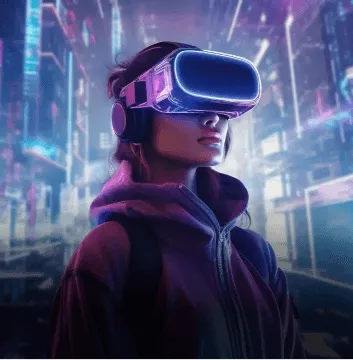
VR UI is designed for world-space placement and the reading distances that a headset's interpupillary distance determines. UI that does not make the player take the headset off to navigate it.
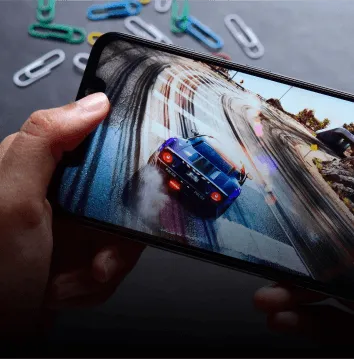
Mobile UI for touch navigation, one-handed play, and the screen sizes and brightness conditions that mobile players actually use. Designed for the hardware range the target market runs, not the flagship.
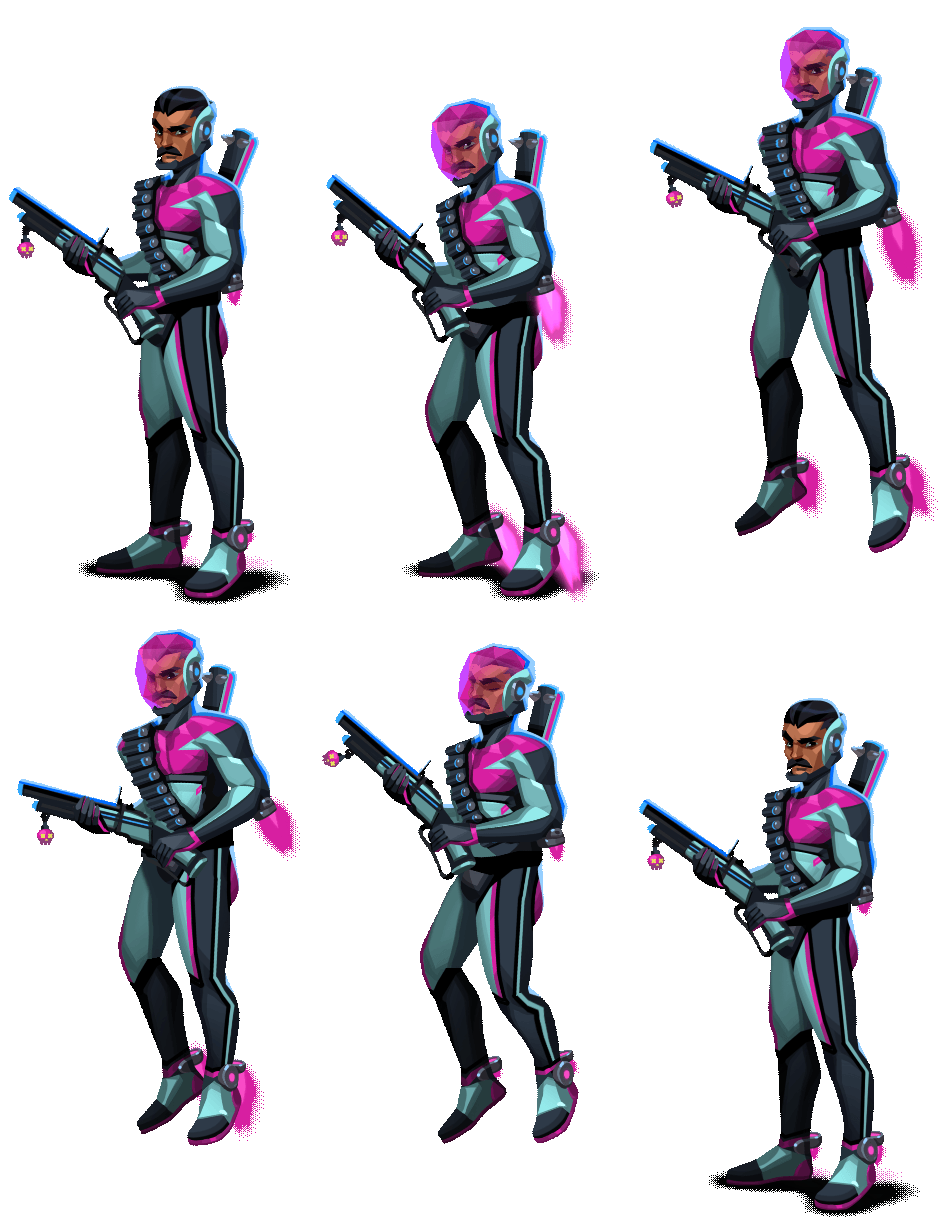
Visual style exploration for UI themes and icon systems.
3D UI elements and dimensional interface components where the brief requires them.
Icon sets, button states, illustrated UI elements, and the visual language layer of the interface.
Character-based UI elements: portrait art, avatar systems, and character-driven interface components.
Diegetic UI elements are embedded in the game environment rather than overlaid on it.
Information architecture, wireframing, UX flow design, visual UI design, and implementation documentation.
Our Technology Expertise in 3D Character Modeling.




Our HUD design had been iterated on by four different designers over two years of production. It communicated information, but it did not help the player find information. Cobweb audited it in two days and told us specifically what the player could not find and why. The redesigned HUD was approved by our playtest group in the first session. Our previous iterations had never cleared the first playtest. The difference was in the UX thinking, not the visual design.

We needed a mobile UI for a title targeting a Southeast Asian casual market where thumb reach zones, data connection speeds affecting load screens, and localization expansion for four languages were all design constraints. Cobweb asked about all three in the first brief session. Studios that had not shipped mobile games in that market asked about visual style first. Cobweb asked about the player. That order of priorities produced a UI that works.

We redesigned our PC RPG inventory system based on Cobweb's UX audit. The audit identified that players were abandoning item management rather than completing it. The redesigned system reduced player time-in-inventory by 40% and increased inventory-action completion rate from 62% to 89%. The UI is not simpler than the previous one. It is better organized. The data reflects that.
Game UI design covers the visual design of in-game interfaces: HUDs, menus, inventories, and all on-screen elements. Game UX design covers the information architecture, navigation flow, and player behavior systems that determine whether those elements serve the player's needs. Both are required. One without the other produces interfaces that either work but look poor or look good but do not work.






 Design Rush
 Clutch